IPB-5000B
4. Name and Functions of Each Section
4-1
4. Name and Functions of Each Section
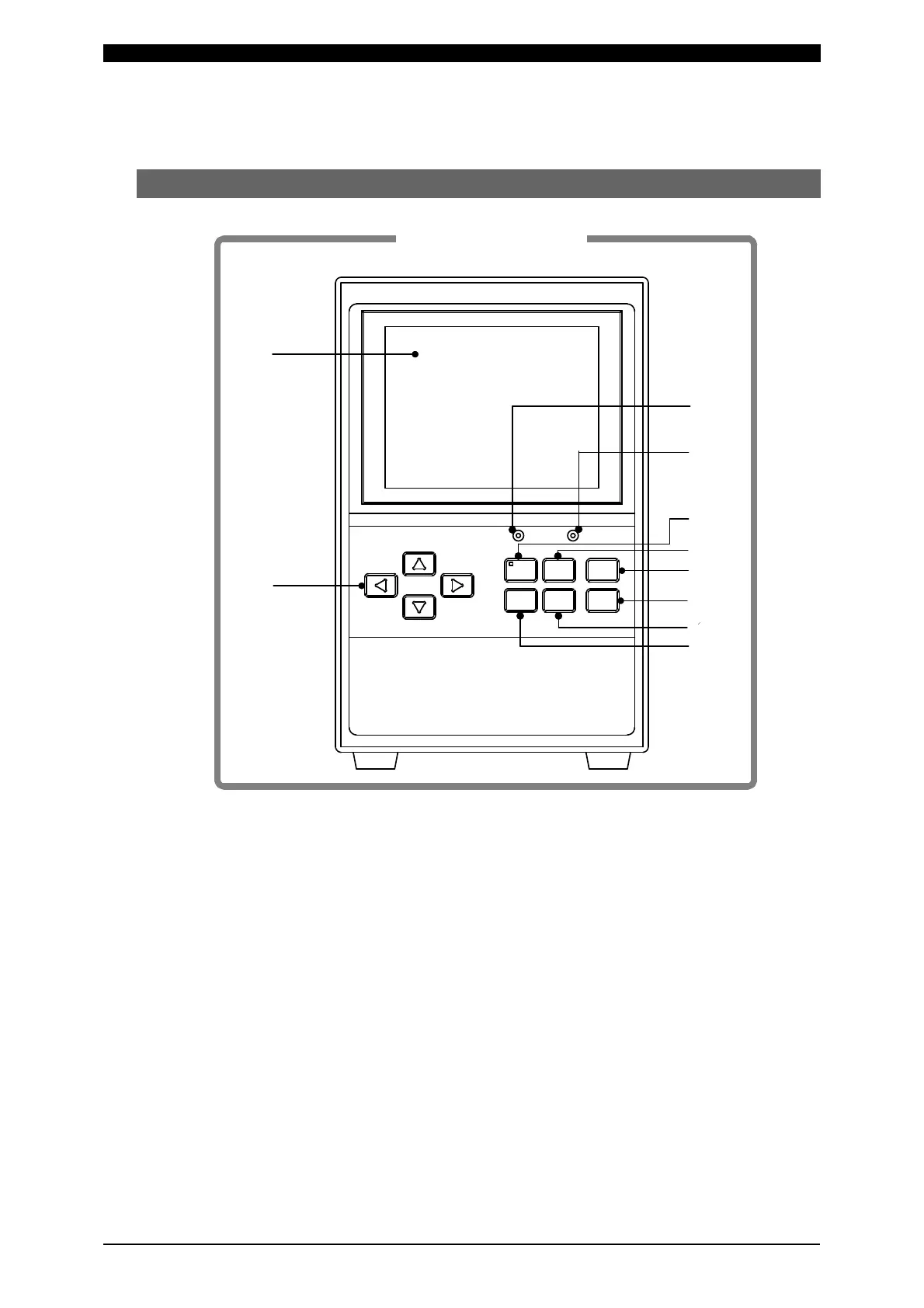
(1) Front Panel
Display Screen
Displays the information such as setting of a weld schedule, monitored values of
weld current, etc.
POWER Lamp
Lights up when the power switch is turned on to supply the power to IPB-5000B
and IPB-5000B works normally.
START Lamp
Lights up while the start signal is input to make the sequence start.
WELD Key with WELD Lamp
Use WELD Key if you want to make the sequence start without flowing the weld
current.
When WELD Key is pressed to extinguish WELD Lamp, then the weld current
does not flow.
①
④
⑥
⑦
⑧
⑨
⑩
⑤
POWER
START
CURSOR
WELD MENU RESET
ENTER
+-
③
②
Front Panel



 To Next Page