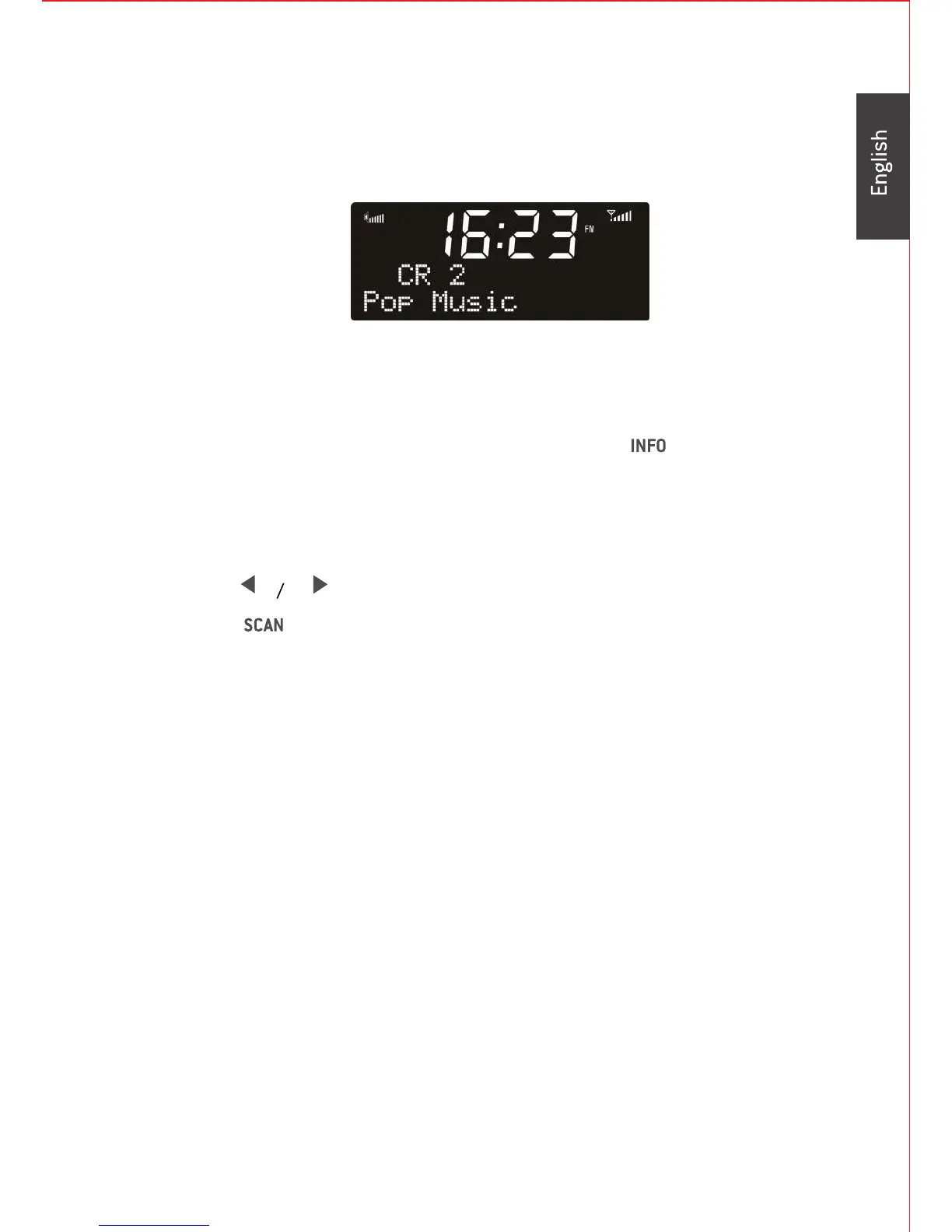
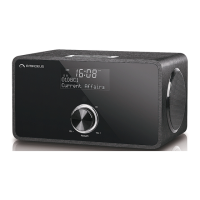
FM:
The icon on the toprightcorner of the display shows the strength of the
FM signal.
signal strength and the programme type of the FM RDS station and
today's date.
In FM mode, there are two more items in the main menu:
Scan setting:
You can set to receive the strong stations only, or all stations
Audio setting:
You can set to receive the stereo or mono FM signal.
15
Press to make turning with 0.05 HMz per step.
Press on the remote control to go to the next FM station.
The first row of the text is the frequency or the name of FM station.
The second row is the details of the station, press to view the


 To Next Page