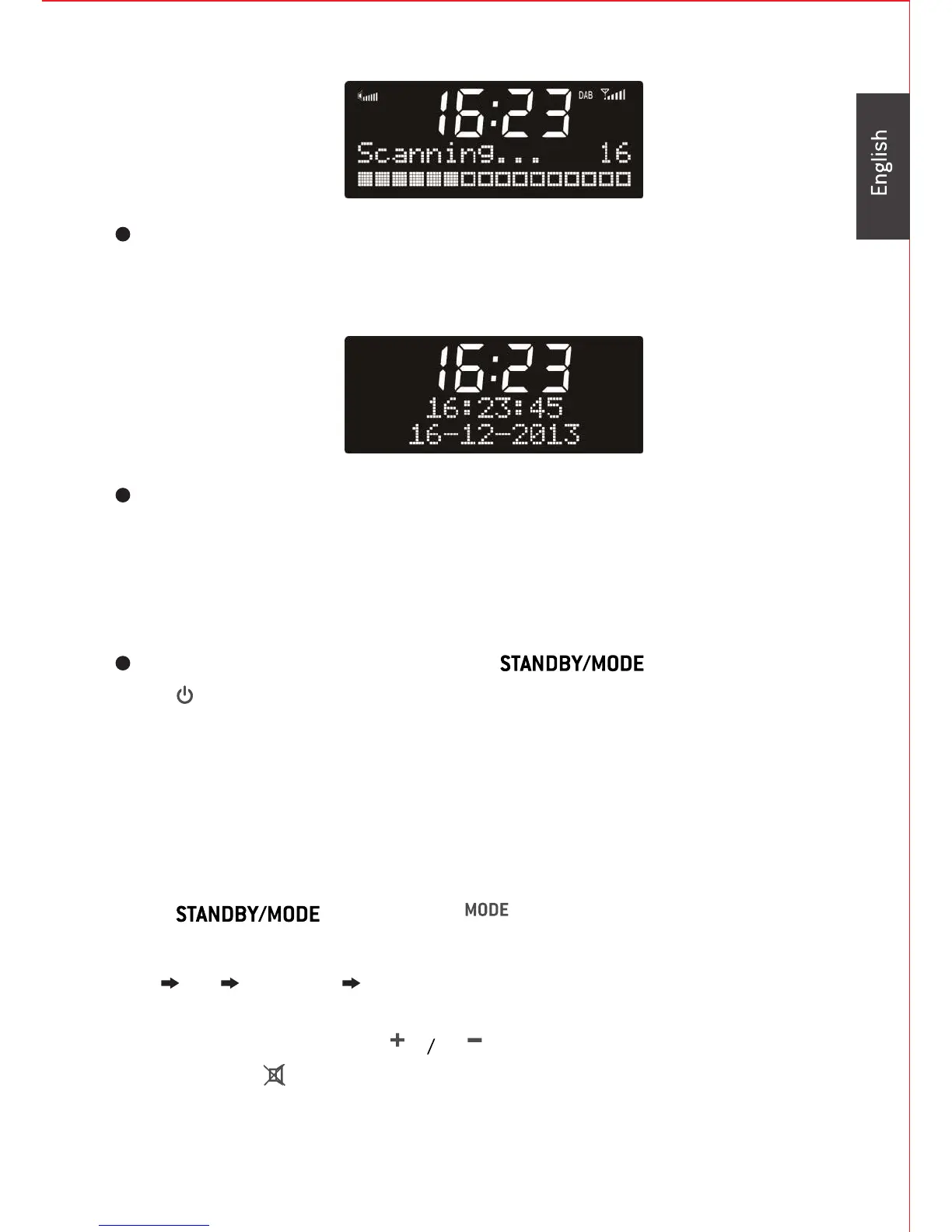
When using the device for the first time, the radio will go into DAB
mode automatically and start a scan for DAB+ stations.
The unit is automatically programed to seek a DAB signal (or FM RDS)
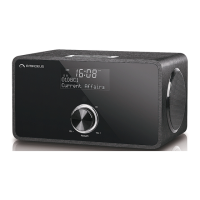
Once the radio can lock into a signal it will set the date and time for you
which is correct for your location. As a back up there is a manual option to
set the date time (see Time Set up over page)
During standby mode, press and hold on the unit or
3. ADRBT414 Functions:
Overview
Press on the unit or on the remote control to swap
among the modes below:
DAB FM Bluetooth Aux-in
Rotate the jog dial or press on the remote control to adjust
volume. Press on the remote control to ‘mute’ the sound, press it again to
resume normal sound.
7
on the remote control to turn the radio to operation mode.


 To Next Page