Set 12/24 hour clock:
In order to change the display from 12-hour mode to 24-hour mode.
Press on the remote control or press on the unit
to confirm setting.
Set date format:
Change the date format to MM-DD-YYYY or DD-MM-YYYY. Press
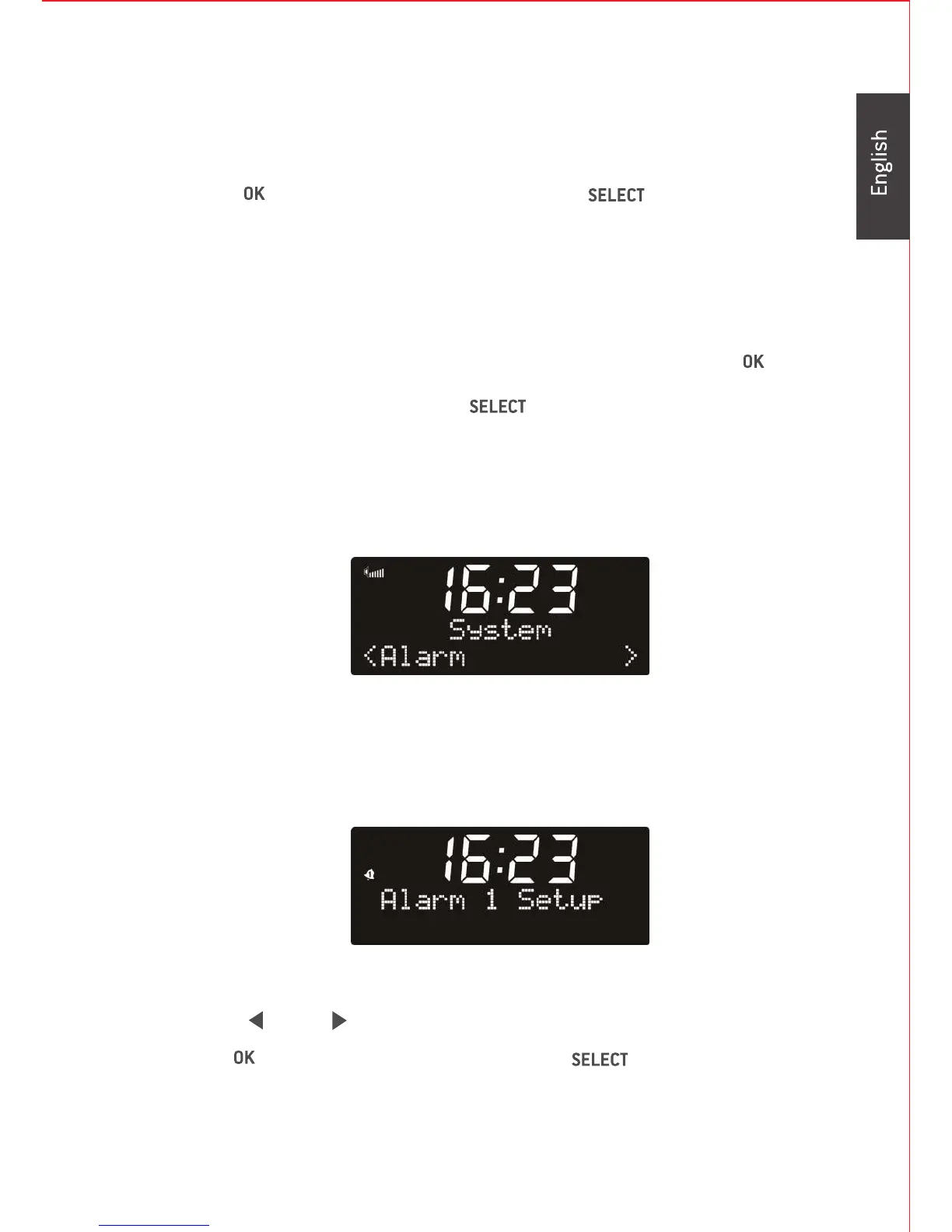
To set Alarm:
Note that you must 'setup' the clock or the clock must be set to
auto update before you can set the alarm(s).
There are two types of alarm available:
Press / to choose which alarm you setup.
Press on the remote control or press on the unit
9
on the remote control or press
on the unit to confirm setting.
toenterthedetailsettings.


 To Next Page