DRYERCARE
Keep dryer area clear and free from items that would block the
air flow for proper dryer operation. This includes clearing piles of
laundry in front of the dryer.
Expiosion Hazard
Keep flammable materials and vapors, such as
gasoline, away from dryer.
Place dryer at least 18 inches (460 ram) above the floor
for a garage installation.
Failure to do so can result in death, explosion, or fire.
Clean lint screen before each load. A screen blocked by lint can
increase drying time.
{MPORTANT:
[]
[]
Do not run the dryer with the lint screen loose, damaged,
blocked, or missing. Doing so can cause overheating and
damage to both the dryer and fabrics.
If lint falls off the screen into the dryer during removal, check
the exhaust hood and remove the lint. The exhaust hood is
located where the dryer air exits your home.
Every Load Cleaning
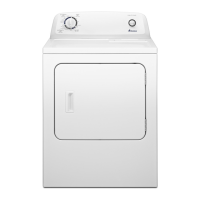
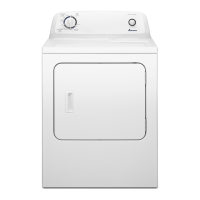
Style 1:
1. The lint screen is located on top of the dryer. Pull the lint
screen toward you. Roll lint off the screen with your fingers.
Do not rinse or wash screen to remove lint. Wet lint is hard to
remove.
2. Push the lint screen firmly back into place.
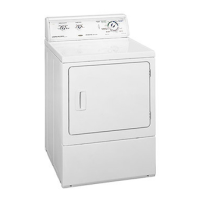
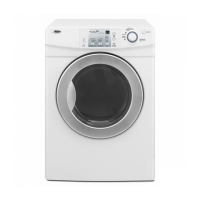
Style 2:
1. The lint screen is located in the door of the dryer. Pull the lint
screen straight up. Roll lint off the screen with your fingers.
Do not rinse or wash screen to remove lint. Wet lint is hard to
remove.
2. Push the lint screen firmly back into place.
r
1. Roll lint off the screen with your fingers.
2. Wet both sides of lint screen with hot water.
3. Wet a nylon brush with hot water and liquid detergent. Scrub
lint screen with the brush to remove residue buildup.
4. Rinse screen with hot water.
5. Thoroughly dry lint screen with a clean towel. Replace screen
in dryer.


 To Next Page
 Loading...