PIX-95 www.amano.com 1-800-253-9836 pg. 7
9. The date will start to flash. Press the CHANGE button until correct date is
displayed and then press the ENTER button twice to accept changes.
10. Press the PROGRAM button to exit the Program Mode.
Enabling or Disabling Auto Print
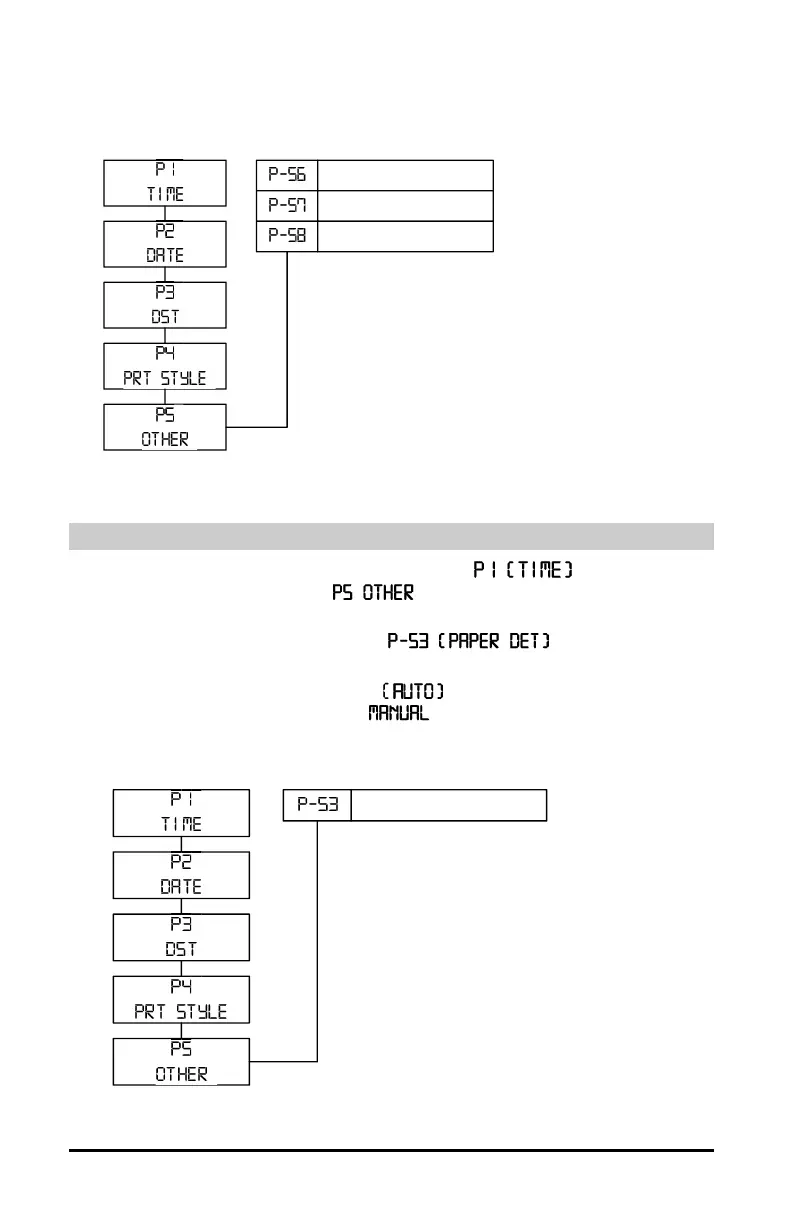
1. Press and hold the PROGRAM button until appears, then
the CHANGE button until
appears and then press the ENTER
button.
2. Press the CHANGE button until
flashes in the
display.
3. Press the ENTER and the word will start to flash. Press the
CHANGE button to change to
and then ENTER.
4. Press the PROGRAM button to exit the Program Mode
DST BEGIN
DST END
DISP HOU R


 To Next Page