④. Download and Install APP
(1) Download and install app
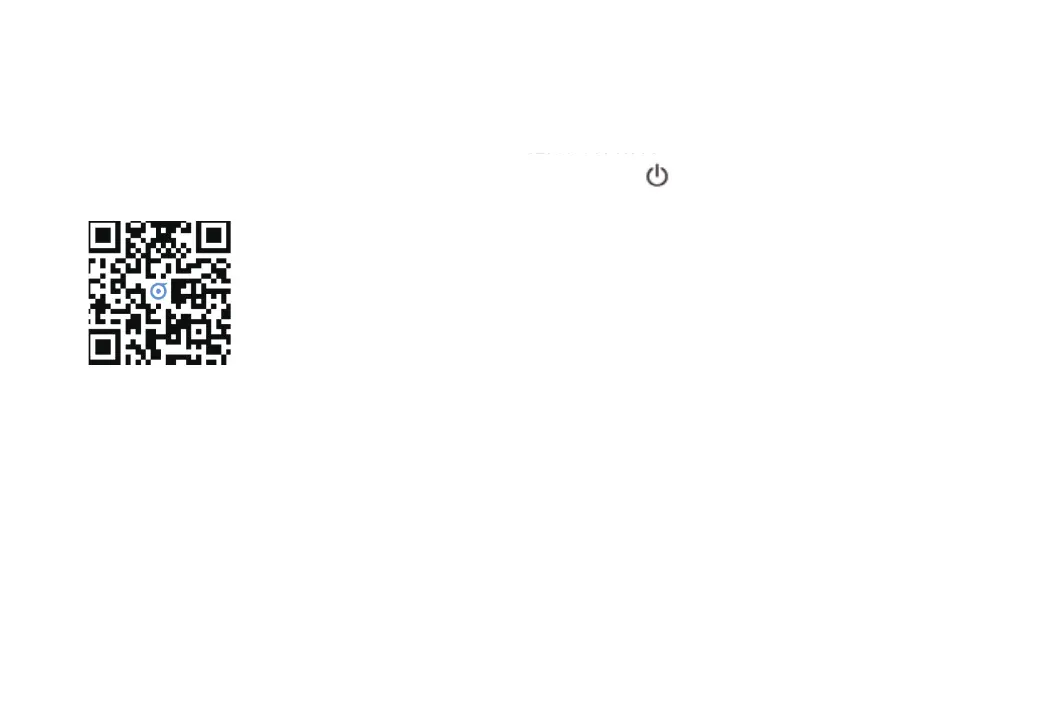
Download APP by scanning below QR code.
Press the key “ ” for 5S, and you will hear voice prompt
"Reset WI-FI, enter network configuration mode", and the blue
Wi-Fi indicator will flash rapidly, which means the robot start
entering network configuration mode.
Enter the home page of APP, click "+" in the upper right corner and add device according to the APP prompt. The device will
show in the home page list after successfully added.
·Due to App upgrading, the operation may have little difference with above instruction, please follow the instruction in APP.
·Only support 2.4GHz WIFI, not 5GHz.
12
Press the key “ ” for 5S, and you will hear voice prompt



 To Next Page