⑤.Clean Mode
Method 1: Power on robot, after the startup music, press button on panel, auto cleaning will start.
Method 2: Click the “Start cleaning” button thru APP to start cleaning (press the pause button to pause the current task).
If power is less than 20%, Robot will not be able to carry out cleaning task, please charge it before next cleaning.
If power is less than 20% during cleaning, the robot will dock to charging base. When power up to 80%, it will start resume
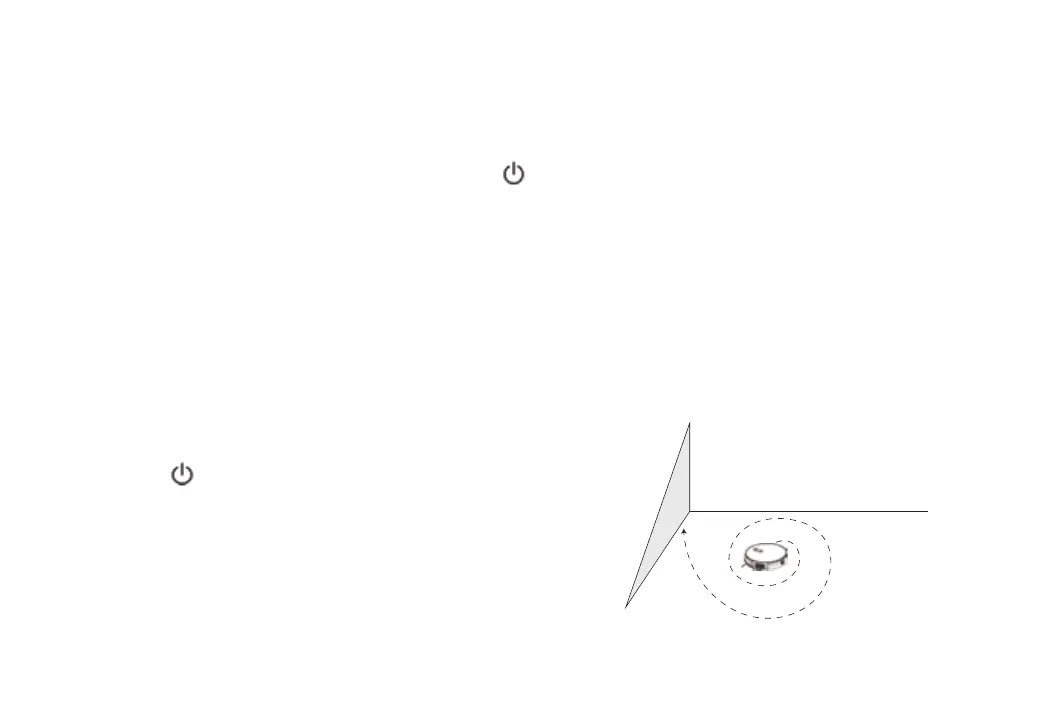
Click Spot cleaning on APP Remote Control interface. After hearing
“Start Spot Cleaning”, the robot will clean in “Spiral” route. When cleaning
is finished, robot will keep in standby mode.
13
Method 1: Power on robot, after the startup music, press button on panel, auto cleaning will start.
Click Spot cleaning on APP Remote Control interface. After hearing



 To Next Page