7
4. Status
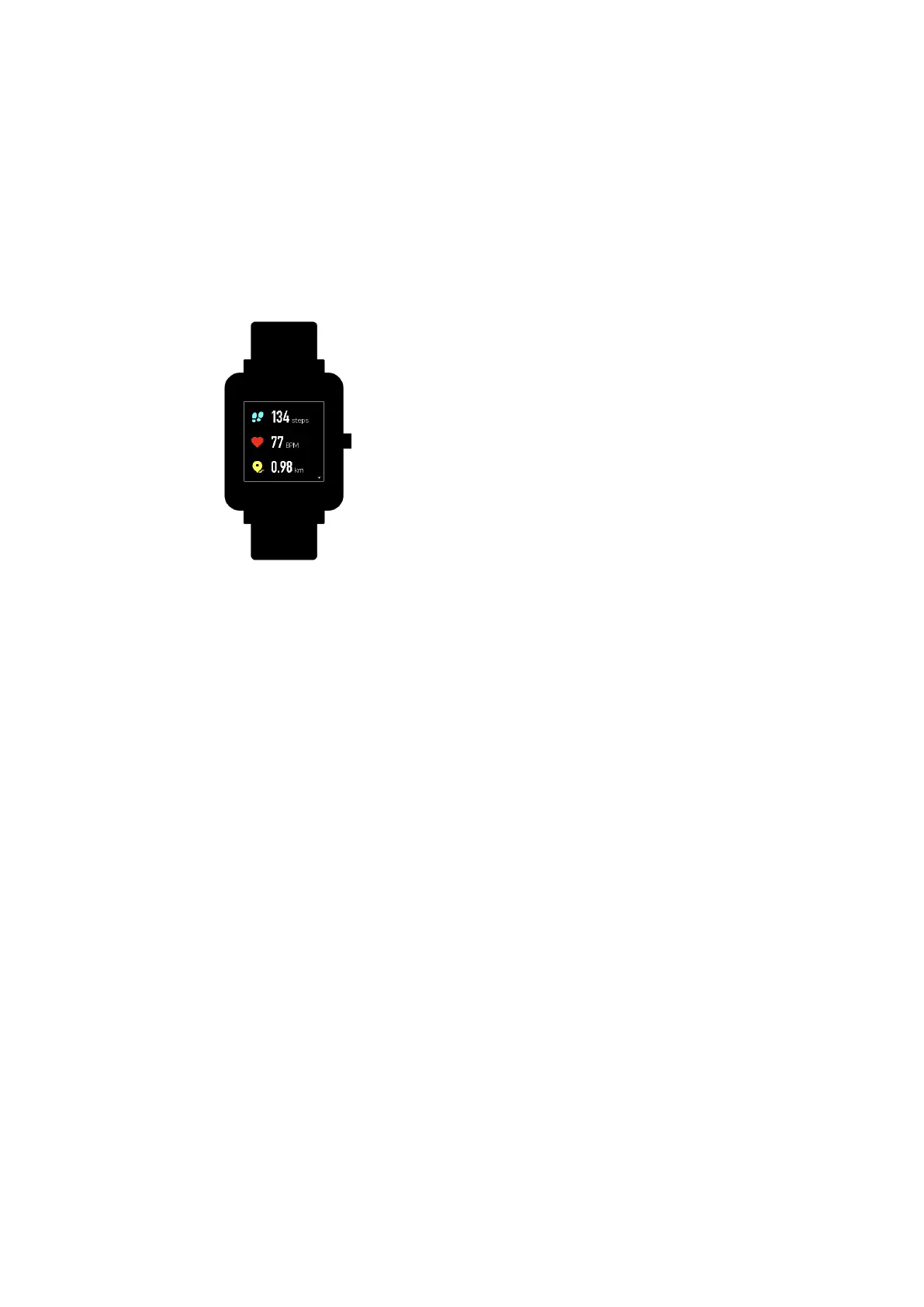
1) We can see Steps, last-minute heart rate, mileage, calories burned, and
sedentary times from “Status” widget.
2) Heart rate will be measured automatically when you tap “Status”.
5. Activity
From home screen of the watch, swipe left till you find Activity. For more
details, please refer to Activity Tracking.
6. Weather
from the home screen of the watch, swipe left till you find “Weather”.
Tap “Weather” and view the weather for the current day and the next
several days.
⚫ The weather comes from the server. Therefore, in order to obtain the
latest weather information, please keep your watch connected with
your phone.


 To Next Page