Introduction
15
MBRELL
-
-
Precision Induction Heating
Start-up display
You are ready to apply power to the EASYHEAT
turn on water to your system
turn on fused disconnect supplying your system
turn on circuit breaker at rear of EASYHEAT
ensure appropriate line voltage selection in Control settings (§2.2)
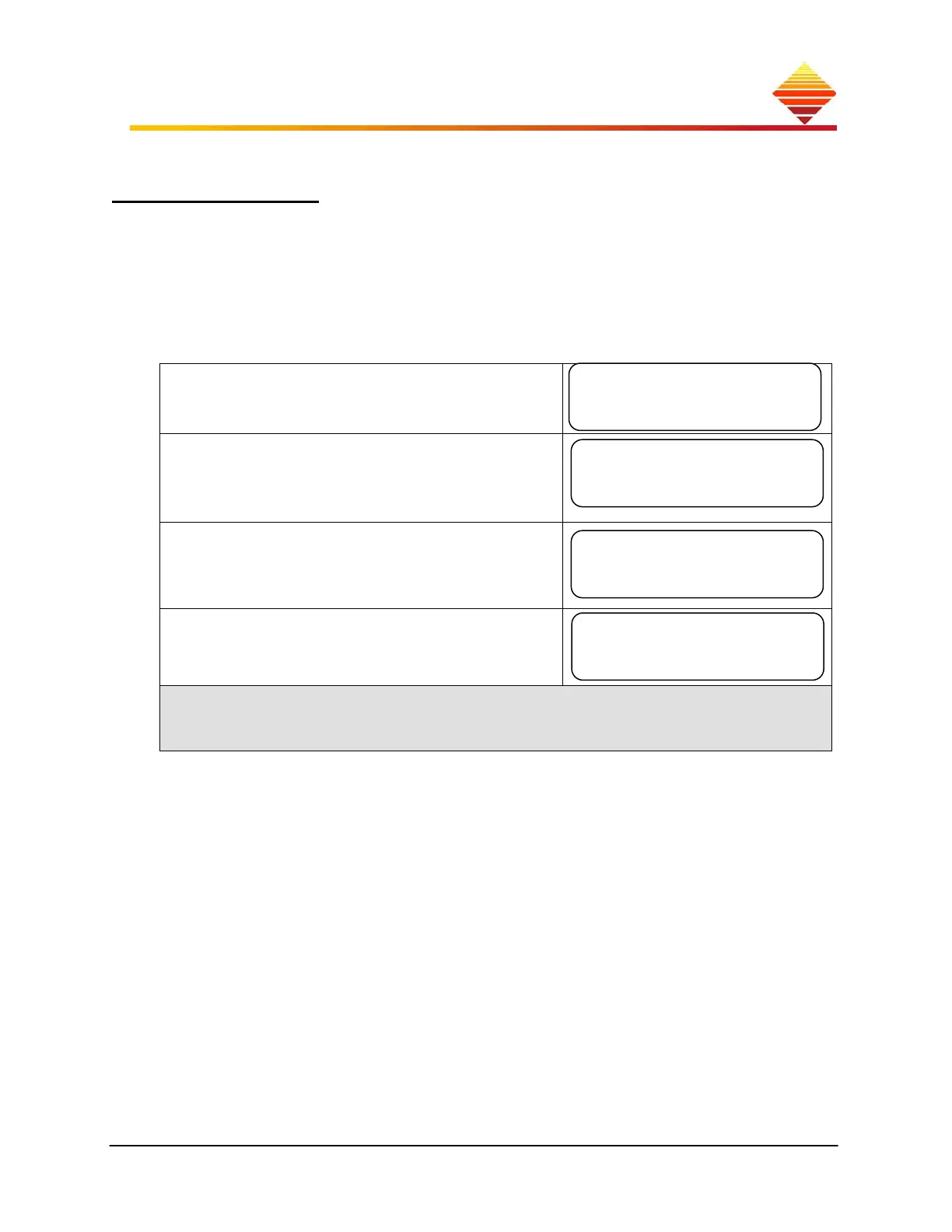
Upon power-up, certain important information about your EASYHEAT is displayed:
Output power capability: Depending on the unit
you purchased.
Language Suite; your system display is equipped
with a selectable 5-language suite:
EN/ES//FR/DE/IT; this capability is reflected in
this screen
Firmware versions: There may be instances where
we need this information from you. n.nn
represents the version numbers of the Display or
Main firmware
SYS ID #: Is used to connect to remote monitoring
software. Refer to § 3.4 for more information on
eVIEW Induction Heating Software
You can also view the output power capability screen, Language Suite screen and
firmware versions screen when the unit is ON; while in the Control Zone, §2.2, press
▲ to repeat the Start-up display screens
The next section explains what you see when the unit is operating in the Home zone.
EASYHeat 5060
6kW RF Power
Display: Vn.nn
Main: Vn.nn
440-520 VAC
EN/ES/FR/DE/IT
SYS ID #: nnnnn



 To Next Page