How Your EASYHEAT Works
27
MBRELL
-
-
Precision Induction Heating
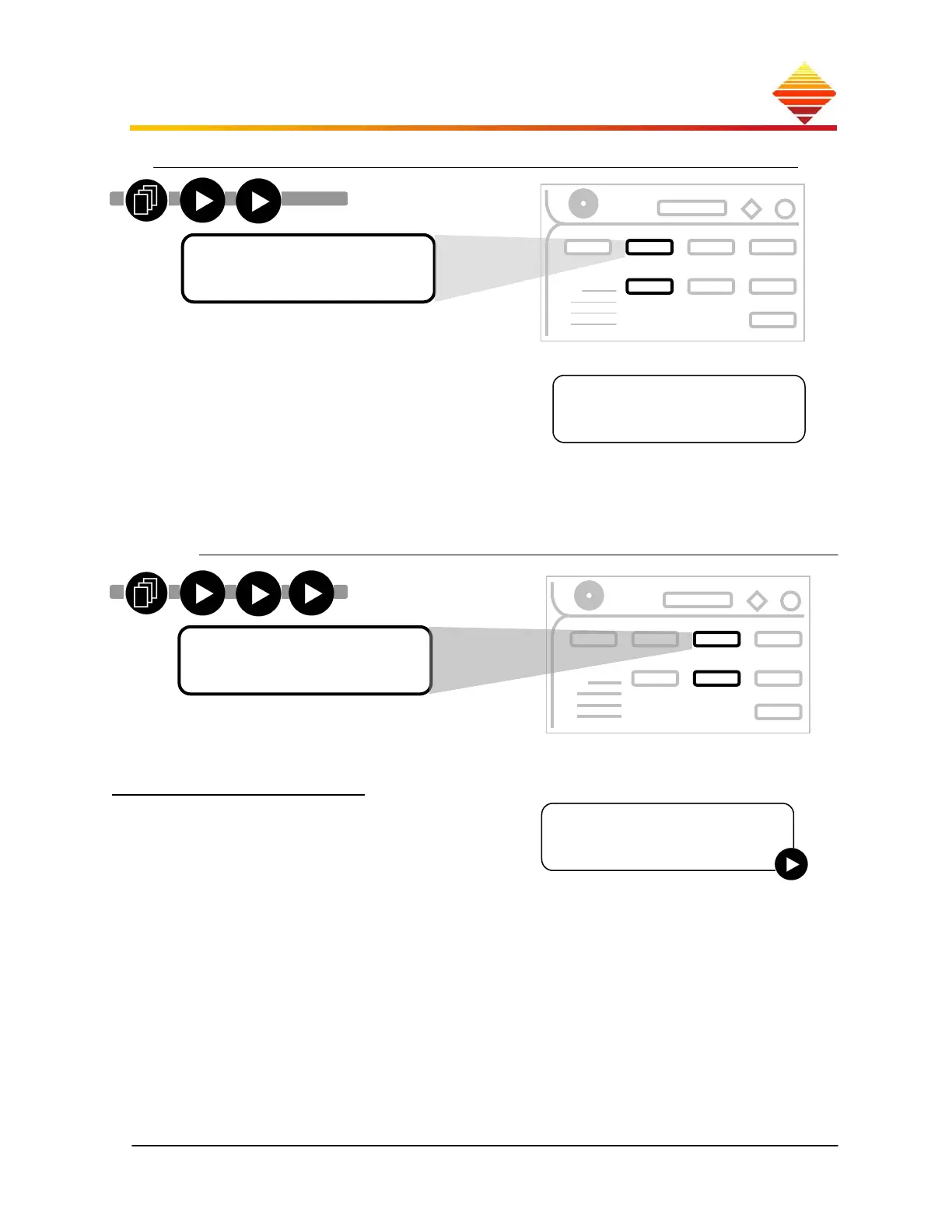
(Once this screen is displayed, press ; use ▲/▼ to select operating features):
Display the temperature of active components
on the heat sink (HS) and the internal ambient
air (AM) and any active (unresolved) Fault
notices (§2.3)
use ▲▼ to display any previous Fault
notices
(previous = from last heat cycle)
use ► to change between °F and °C
(Once this screen is displayed, press ; use ▲/▼ to select operating features):
Adjust Profiles
This lets you build up to four independent
sequenced-heating profiles (A-D); you set the
starting and ending output levels and the
duration for as many as five discrete steps per
Profile (e.g., A1-A5, Multi-step, following
section).
HS65F AM72F
Increase Tap
Select Profile
►A B C D
Menu Selection
►S
stem Status
►
►
► ►
►
►
►
►
► ►
►
►
Menu Selection
►Ad
ust Profiles



 To Next Page