en
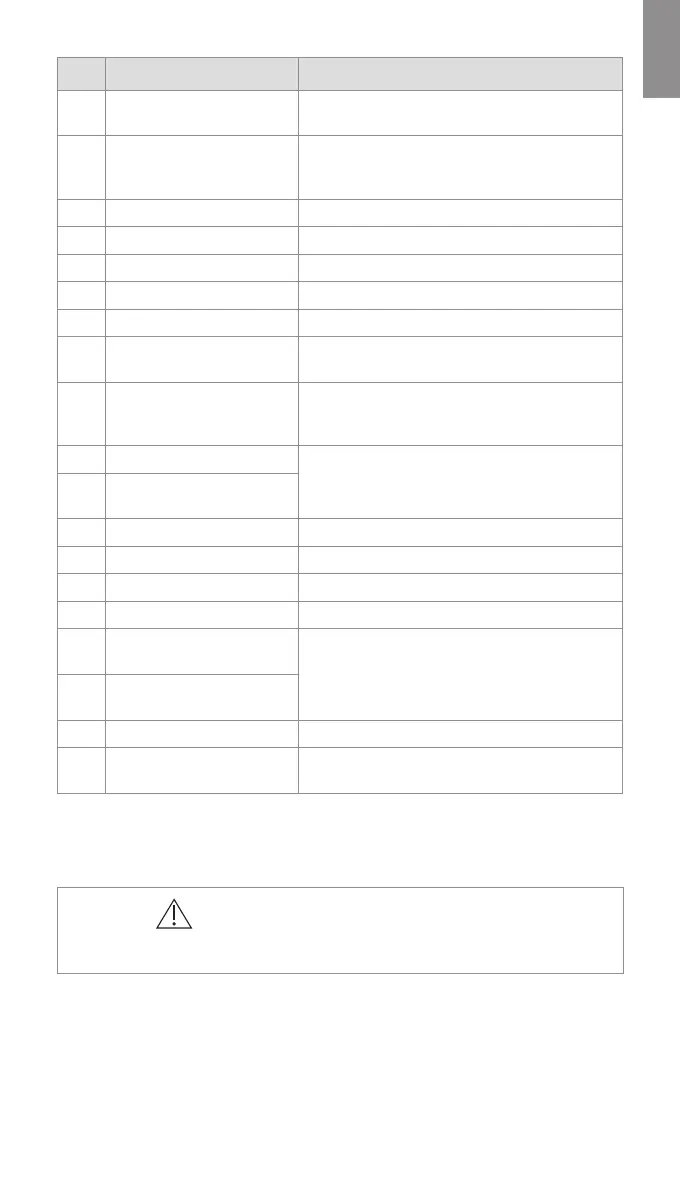
No. Part Function
1 Touch Screen
Displays the image from the Ambu visualization
device and the graphical user interface.
2
VDI port (connector port for
specific Ambu visualization
devices)
Connector port geometry and colour ensures
correct connection with compatible visualization
devices.
3 USB 3.0 port (front) Enables connection of external USB flash drives.
4 USB cover Protects the front USB port.
5 Power button Turns the power ON or switches to STAND-BY mode.
6 Base Contains the main unit.
7 Power cable Connects the displaying unit to a power outlet.
8 Wi-Fi antenna
Connect Wi-Fi antenna to the displaying unit for
improved Wi-Fi signal.
9 Positioning arm
Enables manual positioning of the touch screen.
The screen can be adjusted horizontally and
vertically as well as rotated.
10 Video output ports (2 x DVI-D)
Enable connection to external monitor or external
medical imaging recorder.
11
Video output ports (2 x
3G-SDI)
12 Wi-Fi antenna connector Enables connection of Wi-Fi antenna.
13 USB 3.0 ports Enable connection of external USB flash drives.
14 LAN port Enables connection to ethernet.
15 USB 2.0 ports Enable connection of external USB flash drives.
16
Trigger output ports (2 x 3.5
mm jack)
Enable connection to an external medical imaging
recorder to transfer trigger signals.
17
Trigger output ports (2 x
D-SUB9)
18 Power inlet Enables connection to power cable.
19
Connector for potential
equalization cable
Used for bonding of electrical products to eliminate
potential differences between conductive parts.
1.5. Spare Parts
The spare parts may not be available in all countries. Please contact your local Ambu
representative.
CAUTIONS
• To avoid malfunction of the equipment, only use spare parts supplied by Ambu. Do
not modify the spare parts.
7



 To Next Page