EasyManua.ls Logo

Ambu aView - User Manual

Ambu aView
32 pages
Print Icon
To Next Page IconTo Next Page
Loading...
For use by trained clinicians/physicians only.
For in-hospital use.
For use with Ambu® visualization devices.
Further instruction details are available online: www.ambu.com
Instruction for Use
Ambu® aV ie w™

Other manuals for Ambu aView

Questions and Answers

Summary

Important Information - Read Before Use

Intended Use

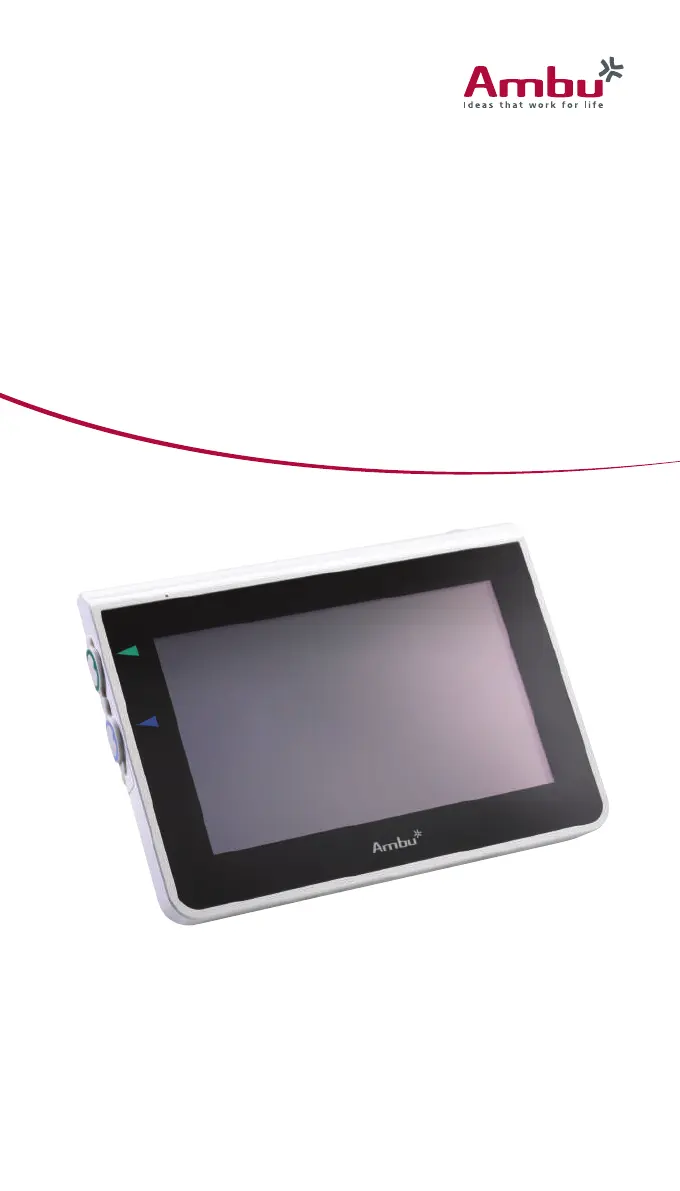
The aView monitor is a non-sterile, reusable digital monitor, intended to display live imaging data from Ambu visualization devices.

Warnings and Cautions

Failure to observe these warnings and cautions may result in patient injury or damage to the equipment. Ambu is not responsible for any damage to the system or patient injury resulting from incorrect use.

System Description

Compatible Devices

The compatible Ambu visualization devices for aView are: Ambu® aScope™ 2, Ambu® aScope™ 3 Family, Ambu® aScope™ 4 Broncho Family.

aView Parts

Explanation of Symbols Used

Use of aView

Preparation and Inspection of aView

Instructions for preparing and inspecting the Ambu aView monitor before use, including power and device connection.

Installing, Preparing and Operating the Ambu Visualization Device

Guidance on installing and preparing the Ambu visualization device for use with the aView monitor.

Operating the aView Monitor

Instructions on how to operate the Ambu aView monitor, covering startup, interface, and controls.

After Use

Procedures to follow after using the Ambu aView monitor, including disconnection, cleaning, and storage.

Cleaning and Disinfection of aView

Maintenance and Disposal

Maintenance of Battery

Recommendations for maintaining the Ambu aView battery life, including charging and storage guidelines.

Disposal

Guidelines for the proper disposal of the Ambu aView monitor and its batteries at the end of its product life.

Technical Product Specifications

Standards Applied

Lists the standards and directives that the Ambu aView function and power supply conform to.

aView Specifications

Details the technical specifications of the Ambu aView monitor, including display, connections, memory, and power.

aView Power Supply

Provides technical specifications for the Ambu aView power supply, including dimensions, electrical power, and operating environment.

Trouble Shooting

No Live Image or Frozen Display Issues

Resolving issues related to no live image on the screen or a frozen display on the aView monitor.

Low Picture Quality Troubleshooting

Solutions for improving low picture quality, including screen reflection and brightness/contrast settings.

Video Output Problems

Diagnosing and fixing problems with the video output not working on an external monitor.

Appendix 1. Electromagnetic Compatibility

Appendix 2. Warranty and Replacement Program

Summary

Important Information - Read Before Use

Intended Use

The aView monitor is a non-sterile, reusable digital monitor, intended to display live imaging data from Ambu visualization devices.

Warnings and Cautions

Failure to observe these warnings and cautions may result in patient injury or damage to the equipment. Ambu is not responsible for any damage to the system or patient injury resulting from incorrect use.

System Description

Compatible Devices

The compatible Ambu visualization devices for aView are: Ambu® aScope™ 2, Ambu® aScope™ 3 Family, Ambu® aScope™ 4 Broncho Family.

aView Parts

Explanation of Symbols Used

Use of aView

Preparation and Inspection of aView

Instructions for preparing and inspecting the Ambu aView monitor before use, including power and device connection.

Installing, Preparing and Operating the Ambu Visualization Device

Guidance on installing and preparing the Ambu visualization device for use with the aView monitor.

Operating the aView Monitor

Instructions on how to operate the Ambu aView monitor, covering startup, interface, and controls.

After Use

Procedures to follow after using the Ambu aView monitor, including disconnection, cleaning, and storage.

Cleaning and Disinfection of aView

Maintenance and Disposal

Maintenance of Battery

Recommendations for maintaining the Ambu aView battery life, including charging and storage guidelines.

Disposal

Guidelines for the proper disposal of the Ambu aView monitor and its batteries at the end of its product life.

Technical Product Specifications

Standards Applied

Lists the standards and directives that the Ambu aView function and power supply conform to.

aView Specifications

Details the technical specifications of the Ambu aView monitor, including display, connections, memory, and power.

aView Power Supply

Provides technical specifications for the Ambu aView power supply, including dimensions, electrical power, and operating environment.

Trouble Shooting

No Live Image or Frozen Display Issues

Resolving issues related to no live image on the screen or a frozen display on the aView monitor.

Low Picture Quality Troubleshooting

Solutions for improving low picture quality, including screen reflection and brightness/contrast settings.

Video Output Problems

Diagnosing and fixing problems with the video output not working on an external monitor.

Appendix 1. Electromagnetic Compatibility

Appendix 2. Warranty and Replacement Program

Ambu aView Specifications

General IconGeneral
Display TypeLCD
Operating SystemAndroid
Battery TypeRechargeable lithium-ion
Battery LifeUp to 4 hours
ConnectivityWi-Fi, Bluetooth
WeightApprox. 1.2 kg
Storage Temperature-20°C to 60°C
Operating Temperature0° to 40°C (32° to 104°F)
Water ResistanceIPX4 (Splash-proof)
CameraN/A (relies on connected endoscope)

Related product manuals