8. Web Interface
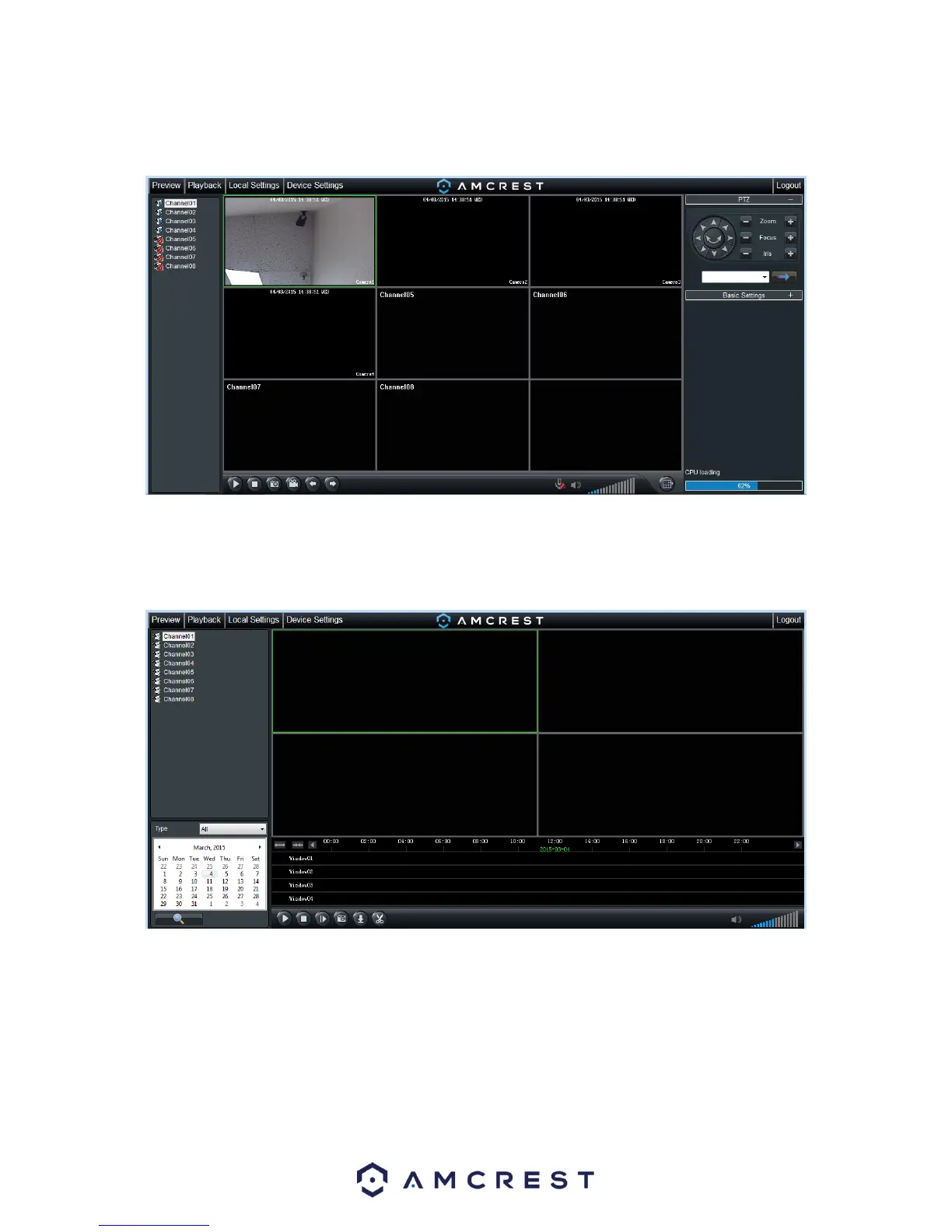
The web interface has 4 main tabs near the top of the browser window:
Preview: This tab shows live playback of any connected cameras. Ensure that the small icon on
the left of each camera’s name on the left hand list has a blue arrow icon present; otherwise the
live video feed will not show.
Playback: This tab allows for playback of recorded video. Select the date from the menu on the
right and then click on the timeline at the bottom of the screen to select a playback starting
location. Once the starting point has been selected, hit the play button to begin playback.



 To Next Page