5. Software Setup
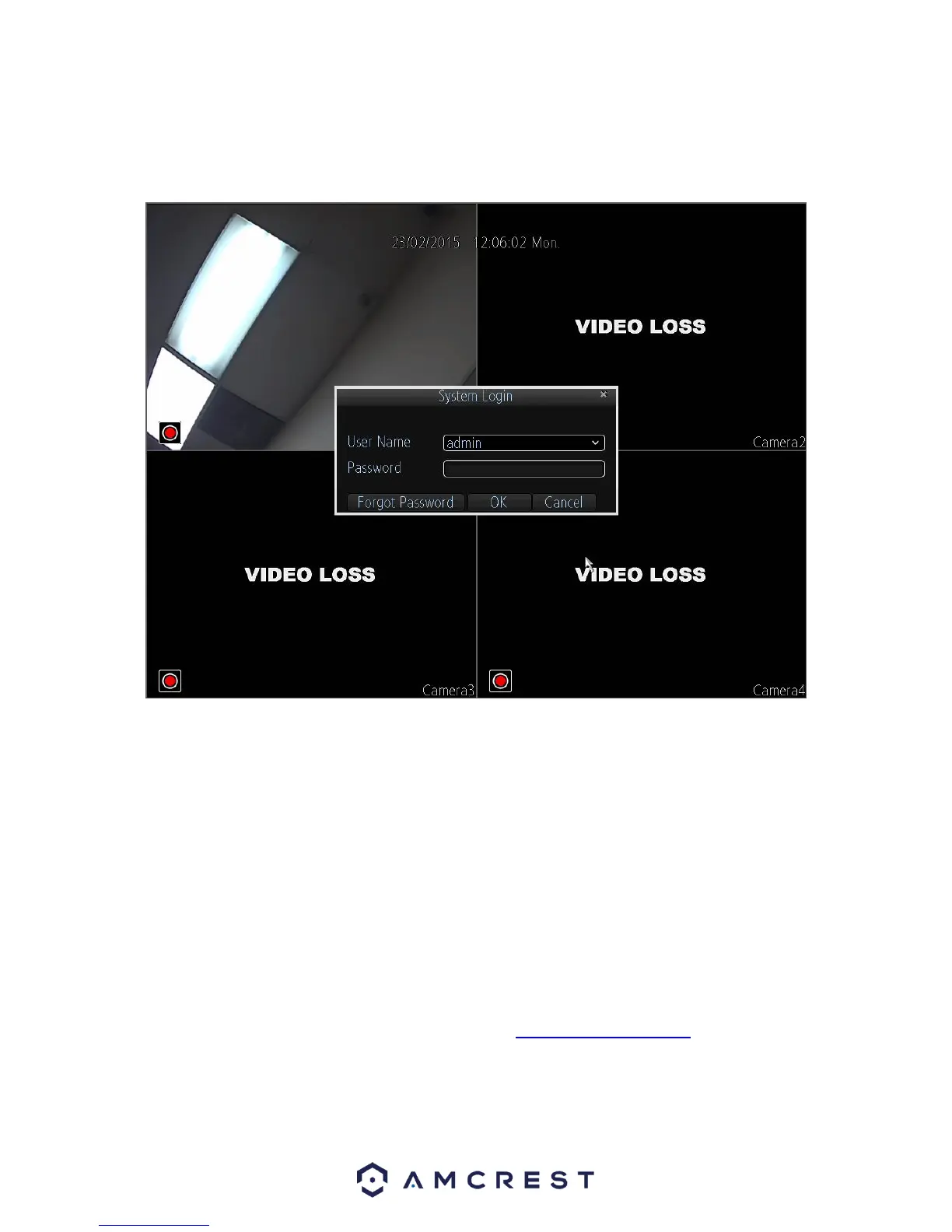
After turning the system on, the default video display shows multiple windows. To bring up the
login screen, left click the mouse or hit enter on the keyboard. The login screen should look like
this:
To login to the system for the first time, use the administrator account information below. Upon
login for the first time, it is highly recommended to change your password for security reasons.
Username: admin Password: 12345 (administrator, local and network)
By default, your DVR comes with one user account, the Administrator account. The Administrator
user name is admin and the password is 12345. The default password for Administrator should
be changed right away for security reasons. The Administrator has the authority to add, delete,
and configure parameters for many of the system functions.
Note: If three failed logins are attempted within a 30 minute time period, the system will set off an
alarm. After five login failures, the account will be locked.
To view a video on how to setup the 960H DVR, go to http://amcrest.com/videos and view the
video titled “Amcrest 960H DRV – Initial Setup”.



 To Next Page