16
Operation and Interface
This section will show you the basic operation and interfaces of the web user interface for your camera.
Live
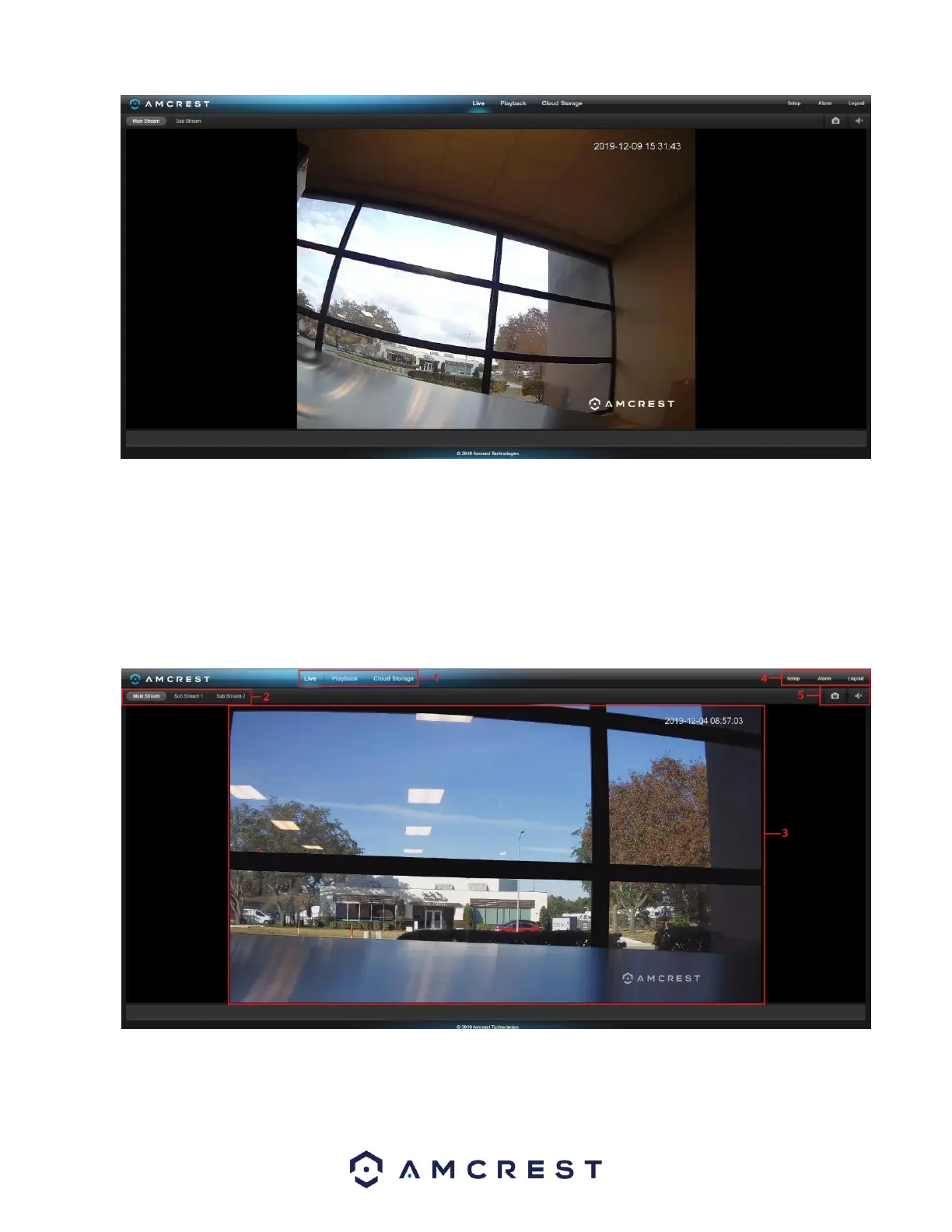
By default, the interface opens on the Live tab. The live view tab allows the user to see a live video feed from the camera. The live
view tab has five main sections:
Section 1: These options allow the user quick access to the live view screen, playback, as well as to the Amcrest Cloud. Section 2: This
section allows the user to switch between Main Stream and Sub stream resolutions. Section 3: This is the live view feed from the
camera.
Section 4: This section allows the user to access setup options, alarm, and logout the interface.















 To Next Page