50
• Add User: This button allows the user to add a new user to the camera.
Default Settings
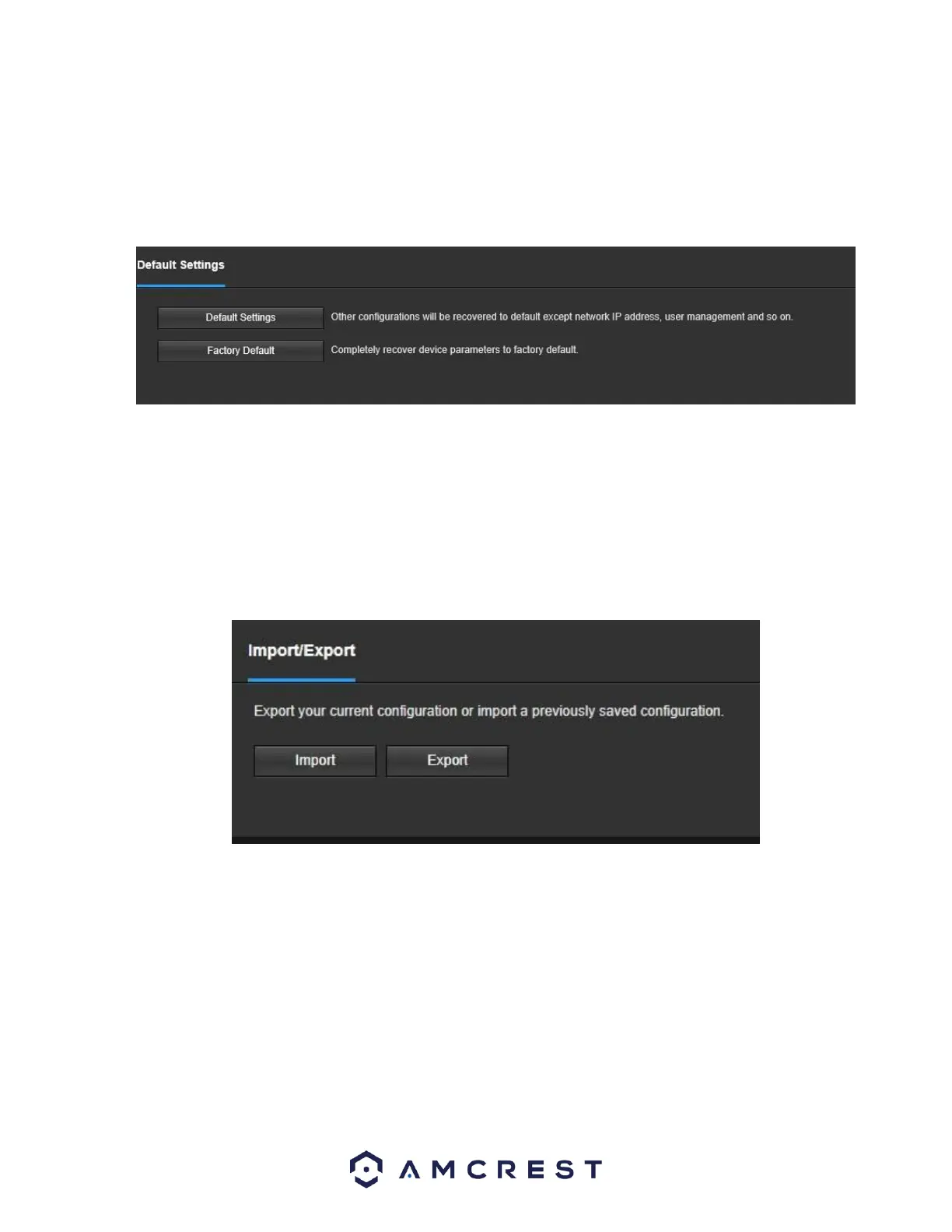
This screen allows the user to reset the camera and all its settings to the factory settings.
Below is a screenshot of the Default screen:
Below is an explanation of the items listed in this field:
Default Settings: Only the IP address, user management, and other settings can be recovered after reset. Factory Default:
Completely resets the camera to factory default settings. No settings can be recovered after the camera has been returned to its
factory default settings.
Import/Export
This screen allows the user to import or export settings from the camera. Below is a screenshot of the Import/Export screen:
To import settings, click the Import button. To export settings, click the Export button.
Auto Maintain
This screen allows the user to set auto maintenance settings for the camera. Below is a screenshot of the Auto Maintain screen:















 To Next Page