4
Socket A AMD Processor Installation Guide 23986—December 2000
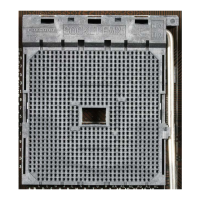
1. Figure 1 shows the processor socket on a motherboard. Note that the release lever
on the side of the socket is down. This position is used to lock the processor in
place. Before installing the processor, this lever must be raised by first pushing
the lever sideways to unlatch it and then raising it all the way up (approximately
90°).
Figure 1. Processor Socket with Lever Down.
2. Figure 2 shows the release lever raised completely. The lever must be in a fully
raised position before the processor can be installed.
Note: In this guide, the phrase “top of the socket” refers to the end of the socket that
reads “Socket 462”.
Figure 2. Processor Socket with Lever Raised
Release Lever
Top of Socket
Lever Raised



 To Next Page