7
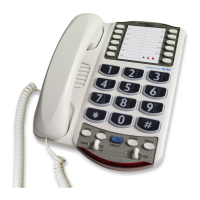
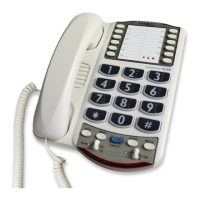
Using Your XL-50
Caution:
Repeated incremental
exposure to amplification levels
greater than 18 dB may be
harmful
to individuals without
hearing disabilities
. Therefore, do
not remove the warning label
attached to the back of the
handset.
If it is likely that a
visually impaired person will use
the
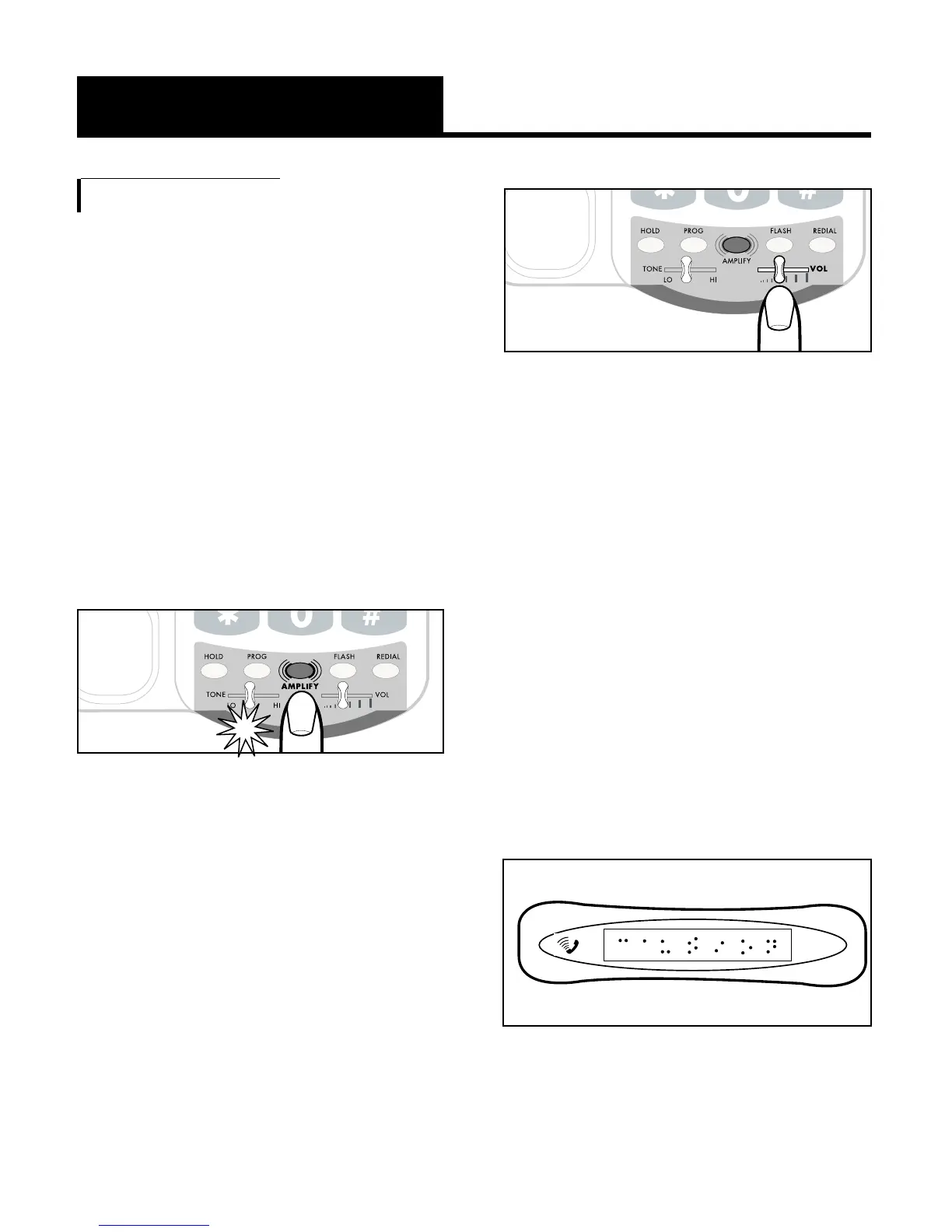
telephone, securely attach the
provided
warning printed in
Braille to the back of the handset
(See Diagram A).
Diagram A
Incoming Voice Volume
You can adjust the volume of
incoming
calls by simply sliding
the
VOL control. This gives you up
to 18 dB more volume. If you
want more amplification, follow
the directions below.
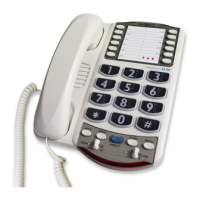
1. Press the
AMPLIFY button as
shown in Figure 9 to turn the
incoming voice amplifier on or
off. When
AMPLIFY is on, the
AMPLIFY indicator comes on.
2.Adjust the ear piece volume
while on a call by moving the
VOL slide control in Figure 10.
With
AMPLIFY on, incoming
volume will be up to 48dB
louder.
Figure 9 - AMPLIFY Button
and Indicator
Figure 10 - Volume Slide Control


 To Next Page