11
Special Features
(continued)
3.Press a memory button (Figure
19) to store this number on that
button.
4.Immediately hang up the
handset.
Note: Any number previously
stored at that memory button
will be overwritten.
5.To change a stored number,
repeat the programming
process starting with step 1.
Note: Please do not program 911
in any memory button.
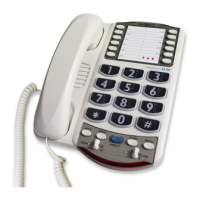
Direct Audio Output
The AUDIO OUTPUT socket allows
you to connect the XL-50 to a
hearing aid, neck loop, cochlear
implant or other assistive listening
devices.
Figure 22 - Audio Output
Socket
To program a button, follow these
steps:
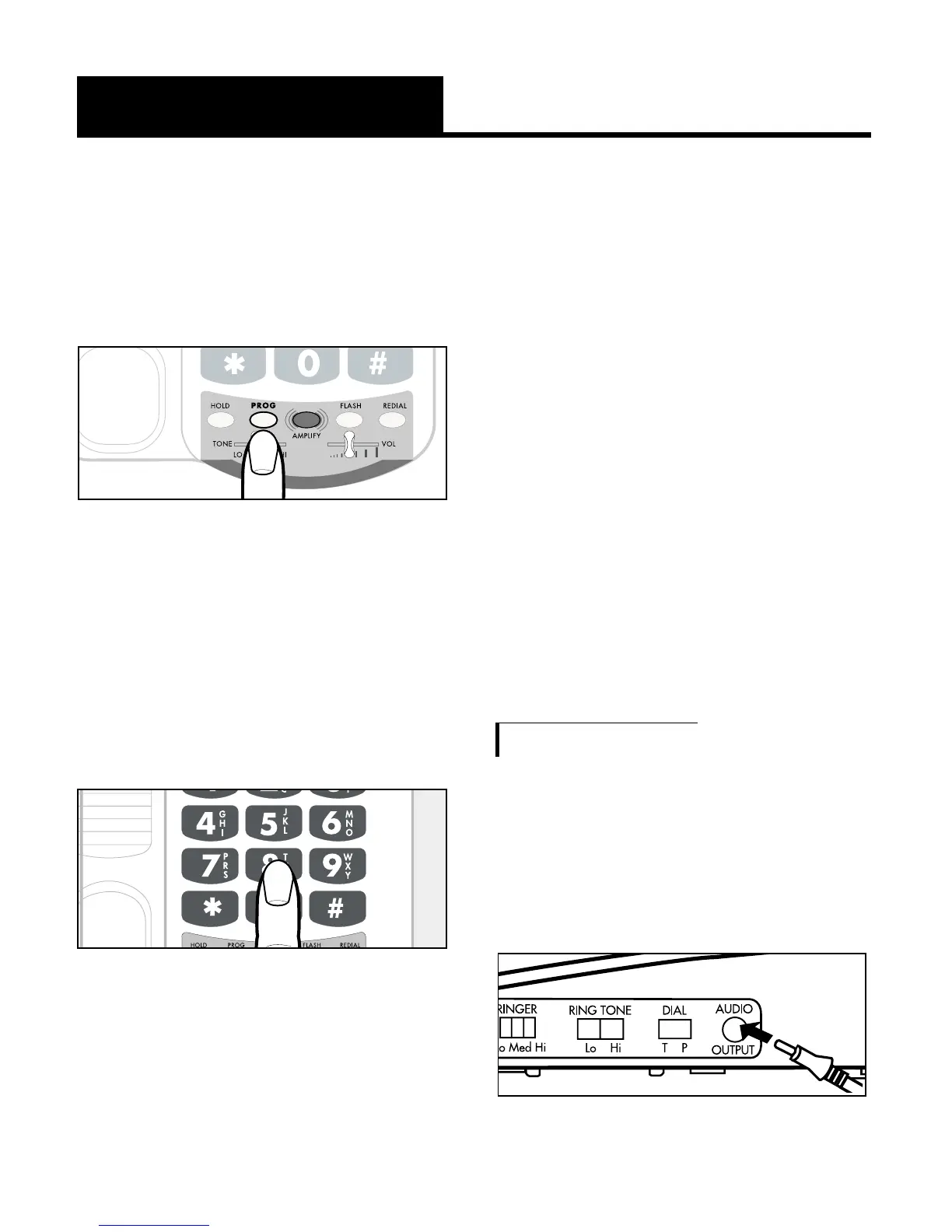
1. Lift the handset and press
PROG as shown in Figure 20.
2.Enter the phone number on the
keypad (Figure 21) just as you
would dial it normally.
Note: Press REDIAL if you want
to insert a brief pause between
two numbers.
Figure 20 - PROG Button
Figure 21 - Telephone Keypad


 To Next Page