9
Clear Values from Memory
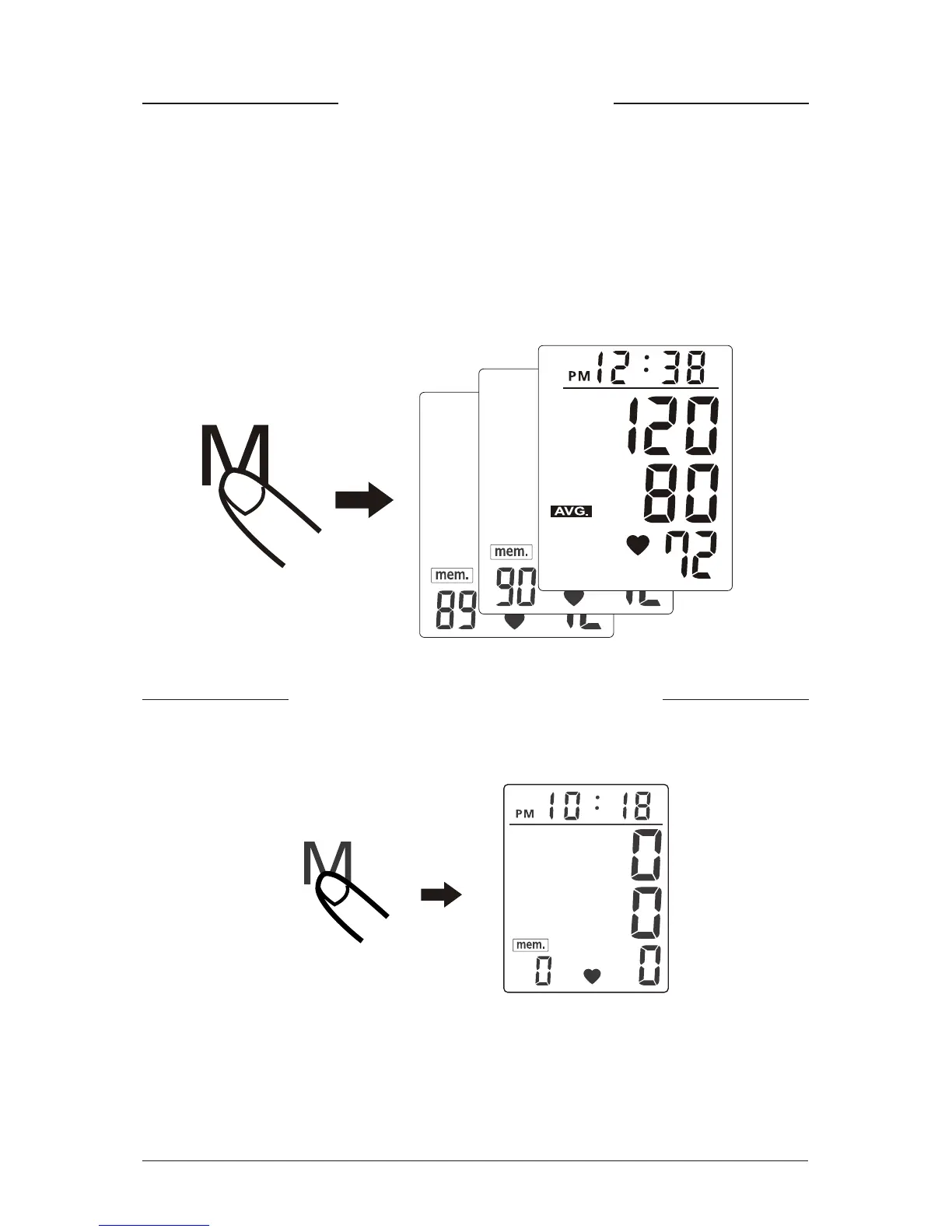
1. To read memory values, press the "M" key. The memory values
will be shown on the LCD display. The average measurement
will be shown first and a new press of the “M” key will show the
last measurement.
2. Every new press of the “M” key calls for one prior value stored.
1. Press and hold the “M” key for approximately 5 seconds to clear
the data.
Recalling Memory
Note: The data may be lost if the batteries are removed. Users
should record the data on a blood pressure recording chart or in the
BP Manager before removing the batteries.


 To Next Page