M O D E L 2 0 5
O P E R A T O R ’ S M A N U A L
25
2525
25
4.4
4.44.4
4.4
OPENING THE LAST WELD SCHEDULE
OPENING THE LAST WELD SCHEDULEOPENING THE LAST WELD SCHEDULE
OPENING THE LAST WELD SCHEDULE
Skip to Step 4.8 if no weld schedules are stored in the library.
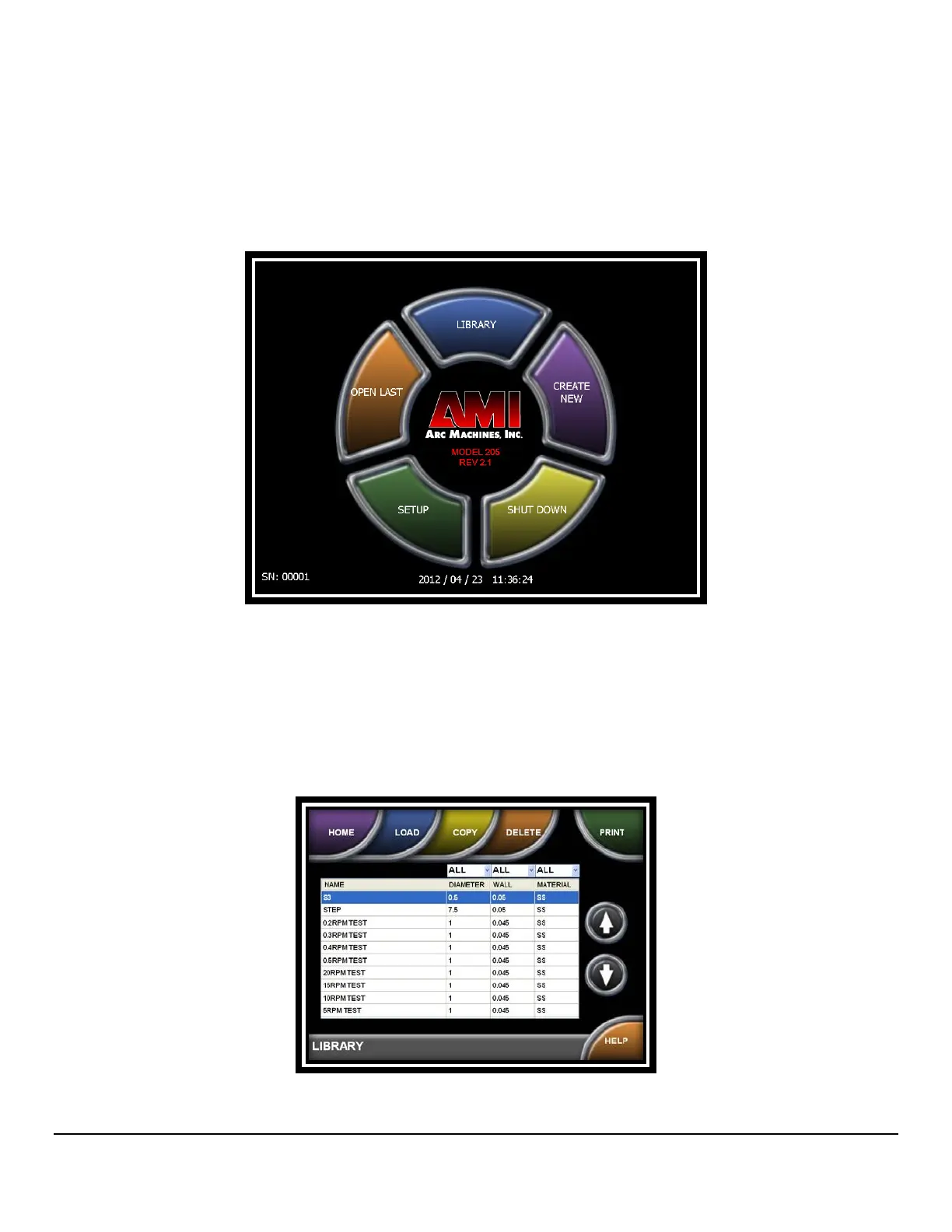
1. From the HOME screen, press OPEN LAST.
4.5
4.54.5
4.5
SELECTING A WELD SCHEDULE FROM THE LIBRARY
SELECTING A WELD SCHEDULE FROM THE LIBRARYSELECTING A WELD SCHEDULE FROM THE LIBRARY
SELECTING A WELD SCHEDULE FROM THE LIBRARY
Skip to Step 4.8 if no weld schedules are stored in the library.
1. From the HOME screen, press LIBRARY.
2. Weld schedules will be listed from newest to oldest. Select a weld schedule then
press LOAD.



 To Next Page