M O D E L 2 0 5
O P E R A T O R ’ S M A N U A L
30
3030
30
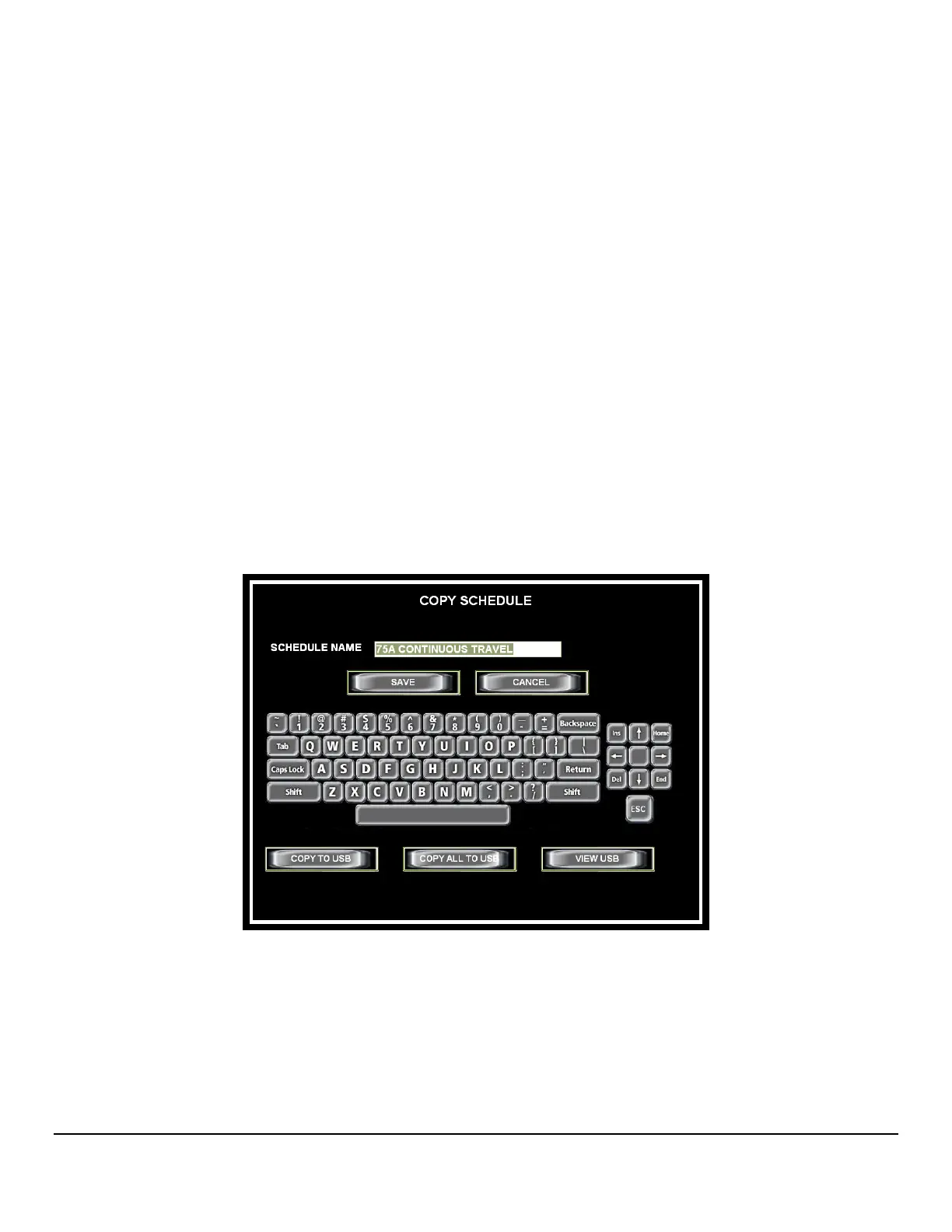
4.7 COPY A WELD SCHEDULE
The Model 205 has the ability to make a copy of a weld schedule and save it under a
new name in the Model 205 Library.
You may also copy one or all weld schedules stored in the Model 205 Library and save
them to a USB Memory stick, or copy one or all weld schedules on a USB memory stick
and save them to the Model 205 Library.
• Copy a weld schedule in the Model 205 Library
1. From the HOME screen press LIBRARY then select the weld schedule to be
copied.
2. Press COPY. Enter a new schedule name and press either SAVE or
RETURN. The new schedule will be saved to the Library.


 To Next Page