14
OPERATION
Semi–automatic operation
Ifthe ovenisto beswitched o ata given
time, then you should:
Set the oven function knob and the tem-
perature regulator knob to the setting at which
you want the oven to operate.
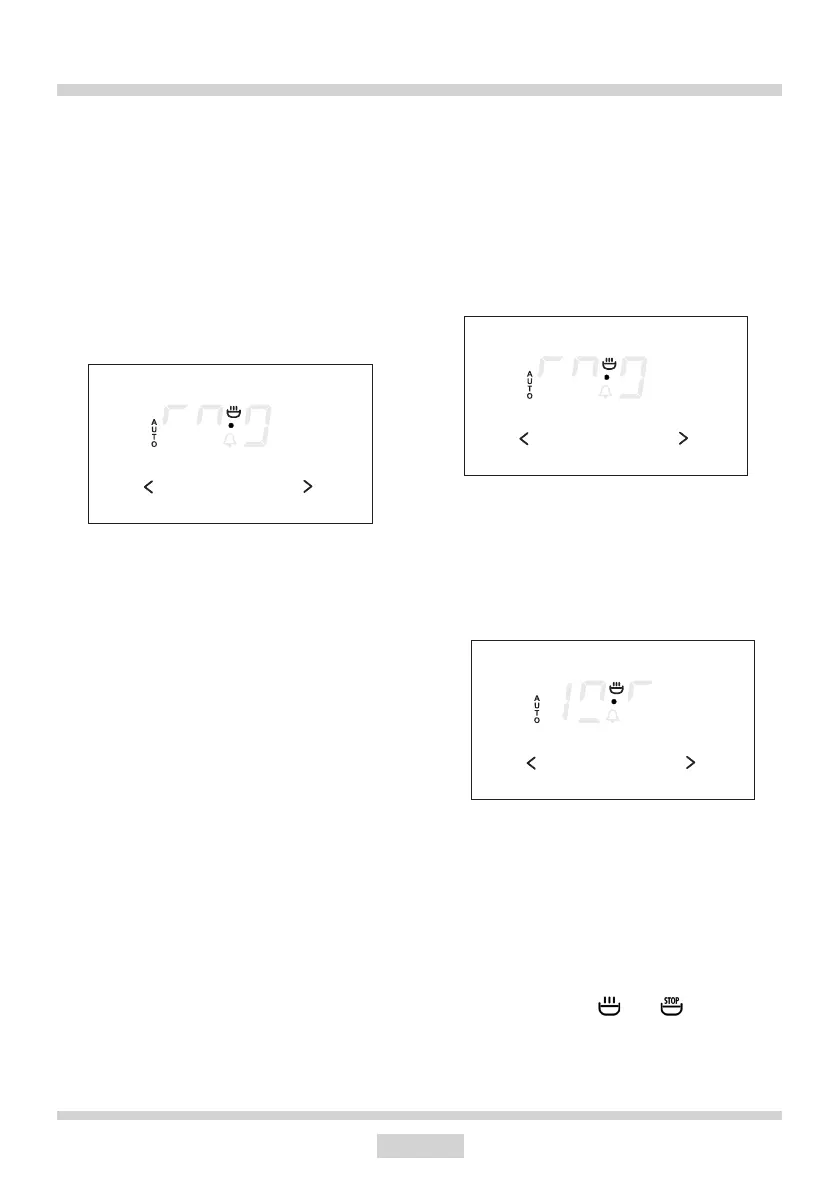
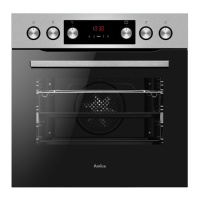
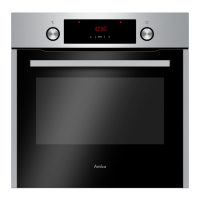
Press sensor 1 until the display will show:
Settherequiredtimeusingsensors3 and 2,
within a range from 1 minute to 10 hours.
The set time will be introduced to the memory
after approx. 7 seconds and the display will
show AUTO function.
When the set time has passed the oven is
switchedoautomatically,thealarmsignal
is activated and the signal function AUTO
ashingagain;
Set the oven function knob and the tem-
peratureregulatorknobtotheswitched–o
position.
Press sensor 1, 2 or 3inordertoswitcho
the signal; the signal function will go out and
the display will show the current time.
Caution!
In ovens equipped with one control knob,
the oven function knob is integrated with the
temperature regulator knob.
Automatic operation
Iftheovenistobeswitchedonforaspecied
periodoftimeandswitchedoataxedhour
then you should set the operation time and
the operation end time:
Press sensor1 until the display will show:
Set the required time using the sensors
3 and 2 within a range from 1 minute to 10
hours.
Press sensor 1 until the display will show:
Settheswitch–otime(operationendtime)
using sensors 3 and 2, which is limited to a
periodof23hoursand59minutesfromthe
current time.
Set the oven function knob and the tem-
perature regulator knob to the setting at which
you want the oven to operate.
The signal lights by and are now on;
the oven will start operating from the point
when the dierence between the set op-
80 80
MENU
80 80
MENU
88 80
MENUMENU



 To Next Page