20
OPERATION
Delayed start (automatic on and o)
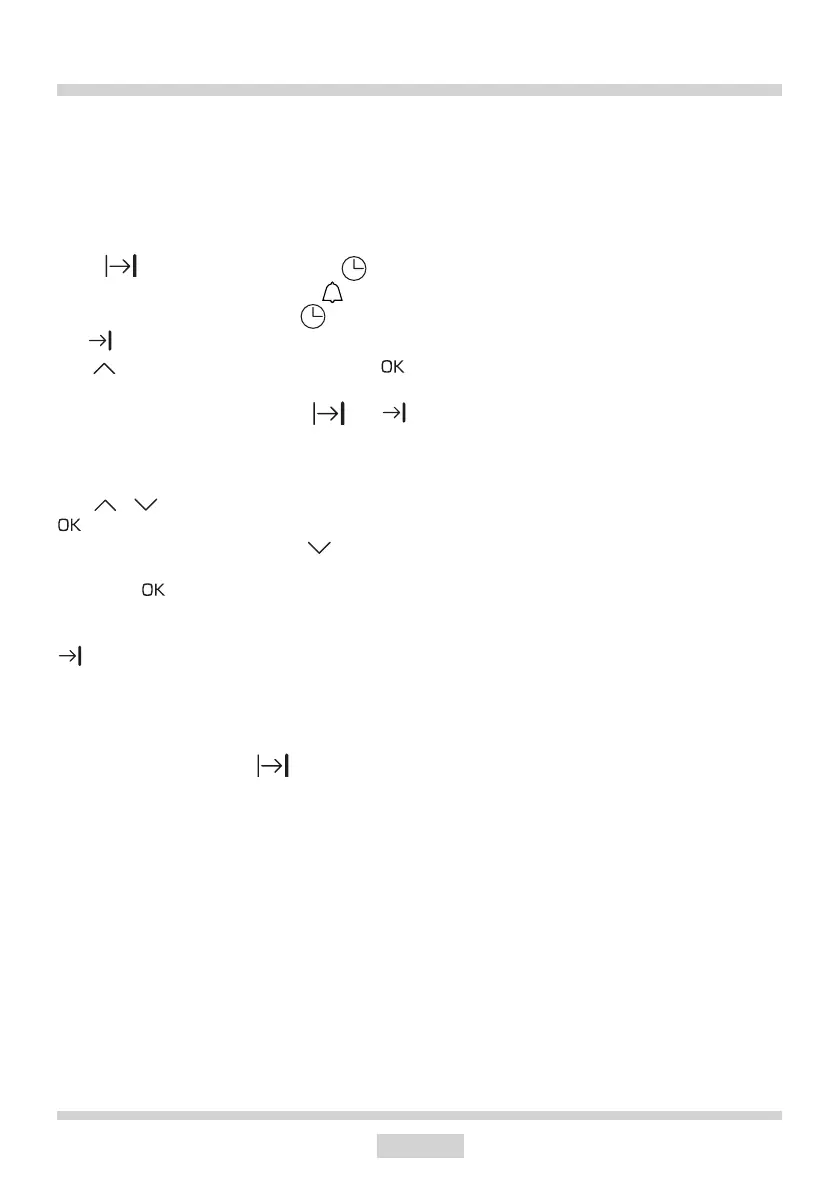
You can set the oven to start at a specic time
and operate for a set Duration. You can delay
the oven start from 1 minute to 10 hours, and
set the Duration for up to 10 hours. You rst
need to set the Duration. The display will
show . Then touch and hold the sen-
sor again and the minute minder symbol
will ash on the display. Touch twice and
the symbol will ash on the display, now
use to set the start time and touch
to conrm.
Once Start Time is conrmed the and
indicators light up steadily and the Current
Time is shown again.
Use / to adjust the Start Time. Touch
to conrm the adjusted setting.
To cancel timed operation use to adjust
duration down to the lowest possible value
and touch to conrm.
When the oven is turns on automatically, the
symbol will go out.
When the Duration has elapsed, you will hear
beeping. Touch any sensor to mute the beep-
ing. The beeping stops, the function settings
and temperature are cleared and lighting
will turn on for 30 s. The symbol will go
out. The appliance will turn o after another
60 seconds.



 To Next Page