Activ-Pro User / Troubleshooting Guide | 10
amqsolutions.com
Most issues will resolve by re-setting the base
See re-set instructions on the user guide.
Note: Please make sure there is nothing under the base before setting to its lowest level
(2-Stage - 28”, 3-Stage - 24.5”). If the cable is obstructed it will not reset properly.
Issue Solution
ASR/RST Error Code Reset the base.
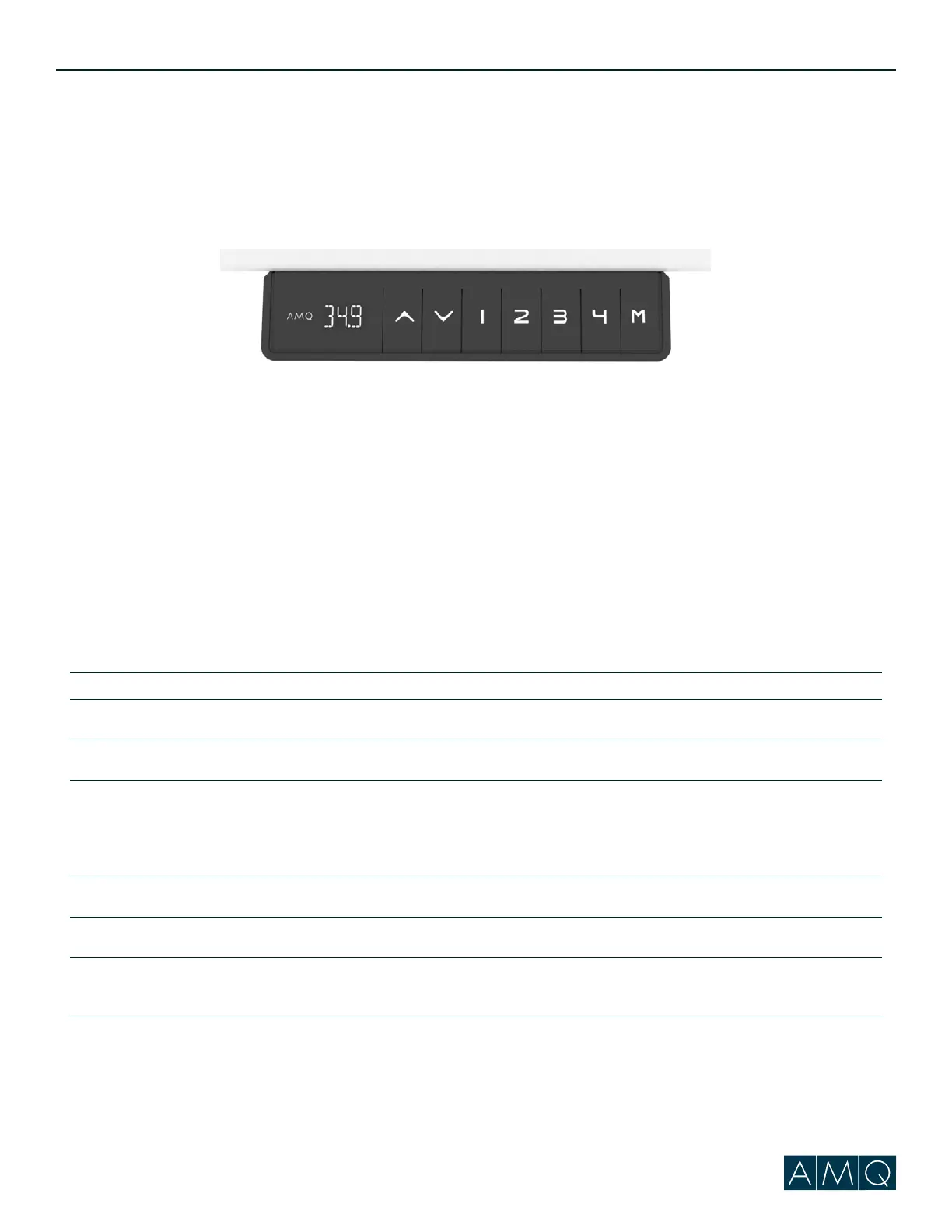
No power/LED on control box is off The control box may be damaged – contact us for replacement.
E07/E08 Error Code 1. Reset the base.
2. If the issue persists, swap the connecting cables and try reset again.
3. If base is half way or full standing position, try a hard reset.
4. If the issue persists, contact our technician to troubleshoot.
H01 Error Code (Controller Overheat) Disconnect the power for 1 minute and then reconnect the handset.
Handset Display Error (eg, “88.8”) The handset may be damaged – contact us for replacement.
LOC Error Code Press and hold the M button until the height numbers are shown
on the display.
Please ensure that all connections are tight and in tact before further troubleshooting.
For questions or support, please contact AMQ Customer Care at cc@amqsolutions.com or (877) 801-0370.
Activ-Pro Troubleshooting Guide



 To Next Page