Tel : +33 (0)3 27 94 44 44 - Fax : +33 (0)3 27 94 44 45 - @ : contact@ams-diffusion.com - www.ams-diffusion.com
AMS - Rue des Galeries - Z.A. du Chevalement - 59286 ROOST WARENDIN - France
RCS DOUAI A 451 360 382 - CODE APE 4531Z - SIRET 451 360 382 00035 - TVA FR 55 451 360 382
14
v4-102013
Mode activationMode activation
FormHomepage
Bluetooth microphoneBluetooth microphone
LOCATION
Channel N°
CONNECTOR A CONNECTOR B
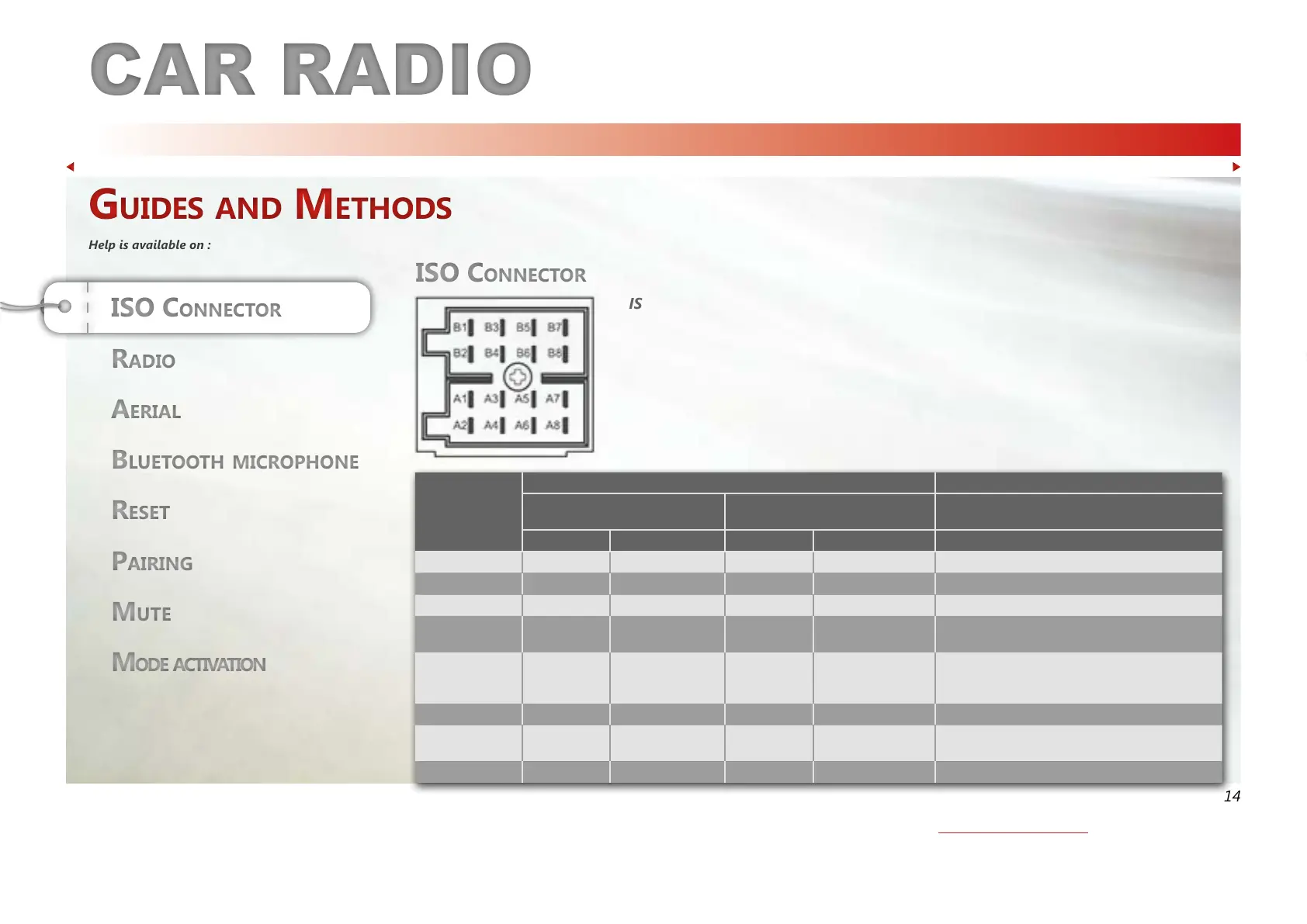
ISO CONNECTOR
MODEL CT410 / CT412
ISO 2 STANDARD
OTHER MODELS
SPEAKERS
Note Function Note Function Function
1 / / / / Rear Right (+) / Purple
2 Tel-Mute MUTE Tel-Mute MUTE Rear Right (-) / Purple with black Stripe
3 / / / / Front Right (+) / Grey
4
After Ignition
+12V
APC+ / Red +12V
Battery 12 V (+) /
Yellow
Front Right (-) / Grey with Black Stripe
5
Electronic
aerial
ANT / AMP control
/ Blue with white
stripe
Electronic
aerial
ANT / AMP control /
Blue with white stripe
Front Left (+) / White
6 / / / / Front Left (-) / White with Black Stripe
7 +12V
Battery 12 V (+) /
Yellow
After Ignition
+12V
APC+ / Red Rear Left (+) / Green
8 GND Ground / Black GND Ground / Black Rear Left (-) / Green with Black Stripe
ISO connectors installation guide :
> Check your connections against the enclosed drawings.
Method to switch on the MUTE function :
> Electrical method :
> Send a ground on channel A2 or the pink wire.
> Manual activation :
> Press the MUTE button or turn the volume button to deactivate the MUTE function.
ISO COnneCtOrISO COnneCtOr
Guides and Methods
Help is available on :
Guides and Methods
Help is available on :
ISO COnneCtOrISO COnneCtOr
See MUTE method.


 To Next Page
 Loading...