-
Adjust the fan speed according to your wish to reach more or less quickly the desired temperature of
the room to be cooled.
Note: In "Air conditioning" mode, the exhaust air pipe must expel the hot air to the outside.
-
Once the room temperature is lower than the programmed temperature, the device automatically
switches to ventilation mode.
-
The cooling function starts again as soon as the room temperature exceeds the programmed
temperature.
-
The temperature range extends from 16 °C to 31 °C.
"DEHUMIDIFICATION" MODE
-
When the "Dehumidification" mode is selected, the display shows . The fan speed is fixed at slow.
-
The "Timer" function can also be selected, but not the "Sleep" mode.
Remarks :
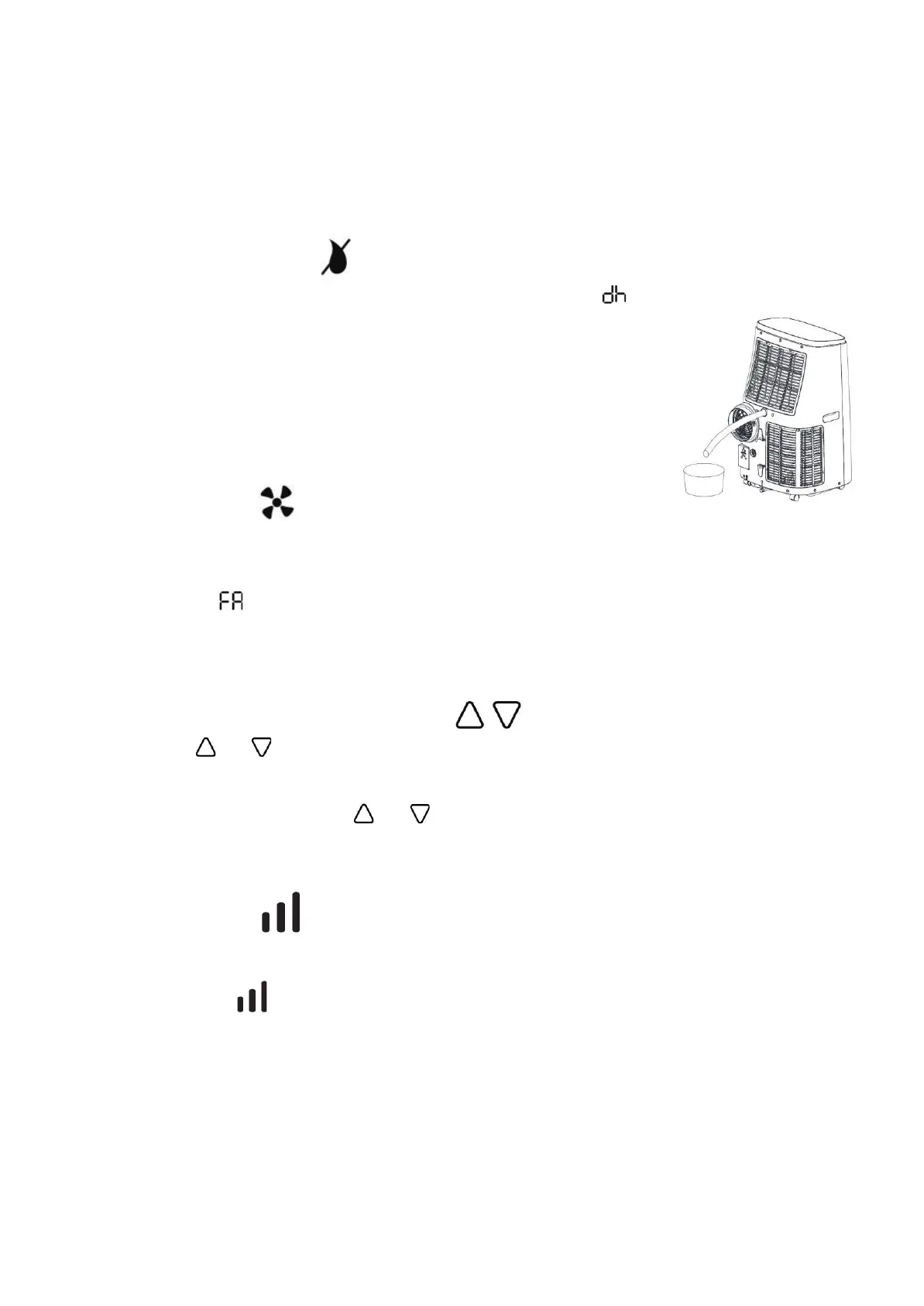
In "Dehumidification" mode, the appliance does not need a drain hose.
Be sure to keep windows and doors closed.
Continuous drainage can be achieved by connecting a drainage hose to
the back of the unit. (Point K)
"VENTILATION" MODE
-
When ventilation mode is selected, the air circulates in the room without being cooled.
-
Temperature and sleep function cannot be adjusted.
-
Only the timer function can be selected.
-
The display shows .
Note: In "Ventilation" mode, the appliance does not need a drain hose.
"TEMPERATURE ADJUSTMENT" COMMAND
-
Push the button or to adjust the desired temperature.
-
The temperature can only be adjusted in cooling mode.
-
When you turn off the air conditioner, wait 3 minutes before turning it on again.
-
Simultaneously press the 2 buttons or to toggle the temperature indication in degrees Celsius
or Fahrenheit.
FAN SPEED CONTROL
• The device has 3 speeds in "Air conditioning" and "Ventilation" mode.
Successively press SPEEDS to select the desired speed:


 To Next Page