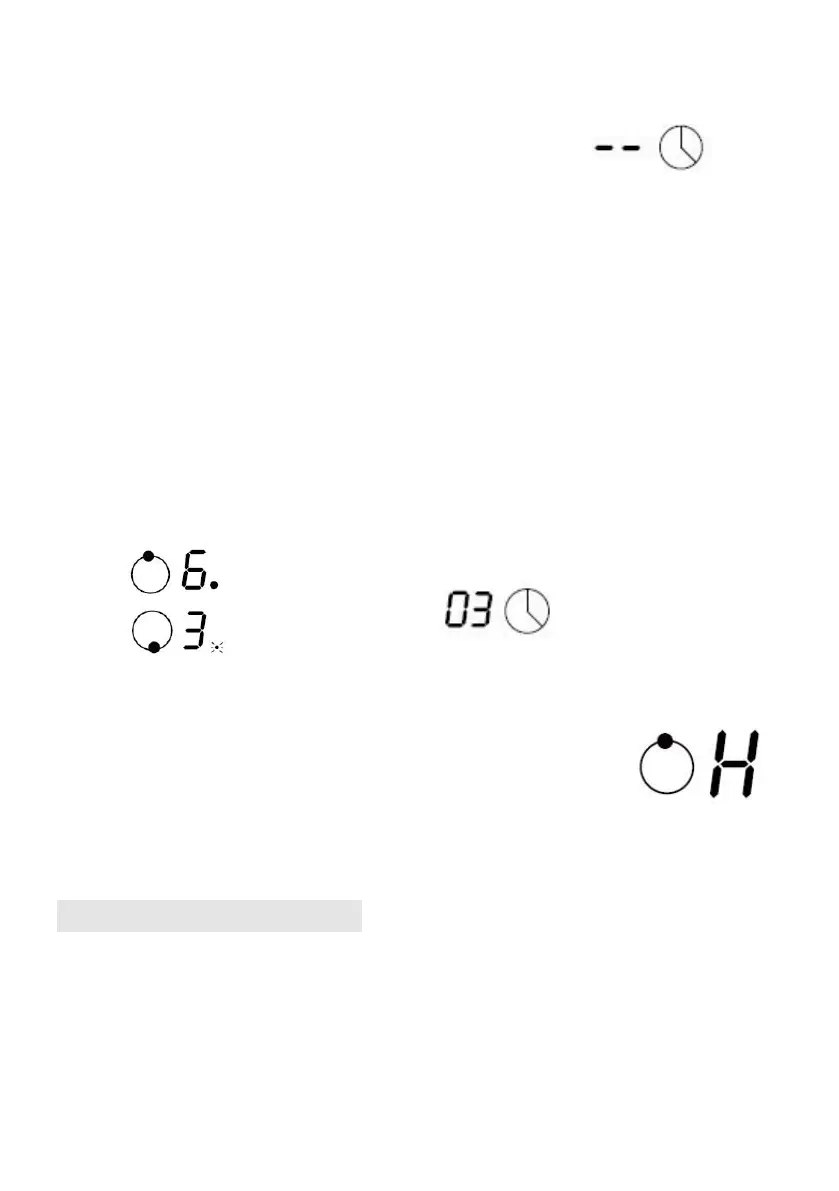
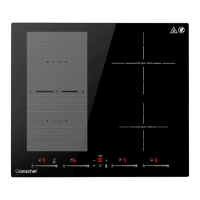
6. When cooking timer expires, the corresponding
cooking zone will be automatically switch off and
show “H”.
Setting the timer to turn more than one cooking zone off
1. If more than one heating zone use this function, the timer indicator will show the shortest
time.
(e.g. zone 1# setting time of 3 minutes, zone 2# setting time of 6 minutes, the timer
indicator shows “3”.)
NOTE: The flashing red dot next to power level indicator means the timer indicator is
showing time of the heating zone.
If you want to check the set time of other heating zone, touch the heating zone selection
control. The timer will indicate its set time.
(set to 3 minutes)
2. When cooking timer expires, the corresponding
cooking zone will be switch off automatically and
show “H” .
NOTE: If you want to change the time after the timer is set, you have to start from step 1
Cooking Guidelines
Cooking Tips
• When food comes to the boil, reduce the power setting.
• Using a lid will reduce cooking times and save energy by retaining the heat.
• Minimiser the amount of liquid or fat to reduce cooking times.
• Start cooking on a high setting and reduce the setting when the food has heated through.


 To Next Page