- 15 -
8. Display EXW settings
8.1 Setting interface:
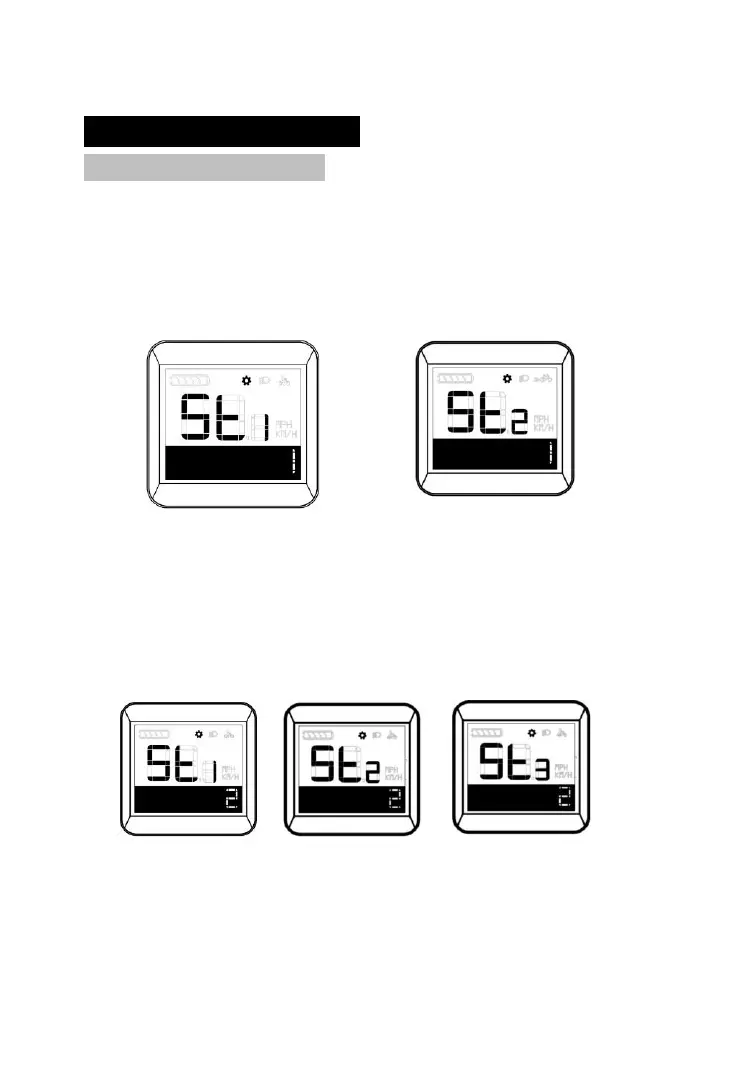
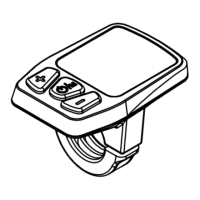
Hold on Plus and Minus buttons at main interface when speed
is O to enter setting mode interface. Short press Plus button to shift
among background light, speed limit, unit, background light. Right
corner position “1” means common setting.。
Background light Unit
Press and hold on both Plus and Minus buttons for 2s for
passpoerd input(Defaulted as 6262)for hidden setting interface,
short press Plus to shift among Battery information, Version, ISO,
Battery information. Right corner position “2” means hidden setting.
Battery information Version ISO
Short press Plus or Minus when input password will change the
password. Short press ON/OFF button to shift among digits,.



 To Next Page