- 16 -
Short press ON/OFF button at the fourth digit will save the new
password.
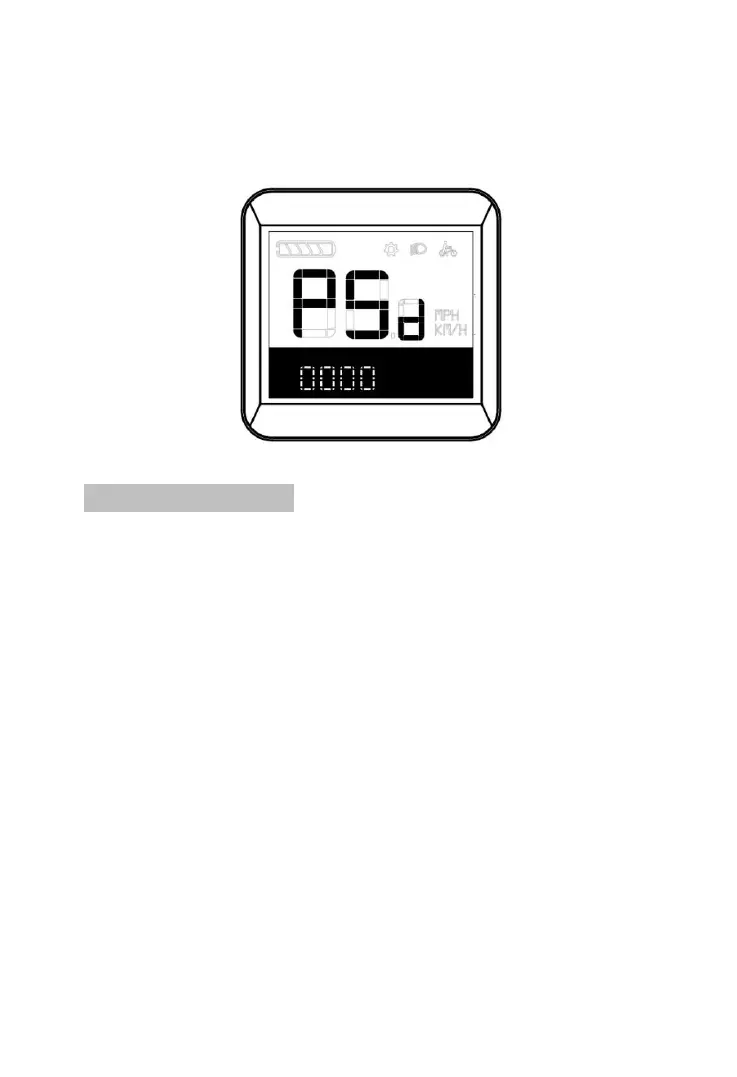
Password input interface
8.2 Background light
Short press Plus button at setting interface for shift to
background Light setting.
BL Means background lightness,Right corner position”1”
means common setting. There are 3 levels for lightness,
1
st
level for the darkest setting,2
nd
level for standard setting,3
rd
level for the brightest。Default setting is 1。Short press ON/OFF
button to choose BL setting interface, then short press Plus or Minus
for increase or decrease background lightnes. Short press ON/OFF
again to save and quit.。



 To Next Page