- 18 -
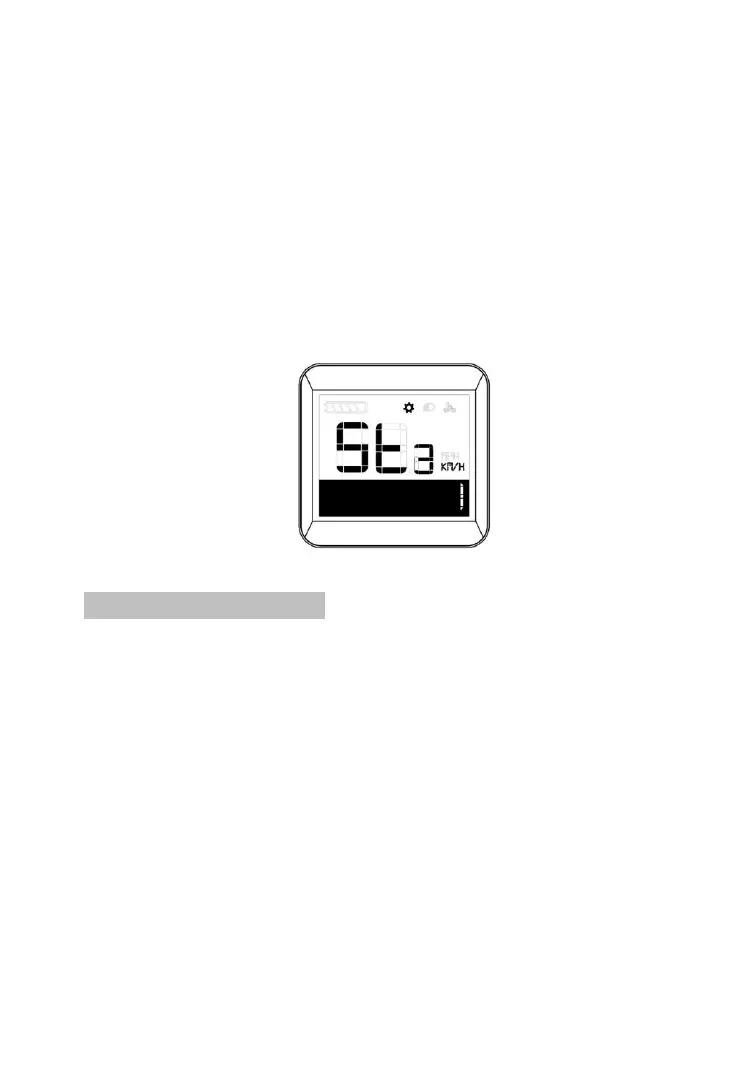
Short press plus button at setting interface for shift to unit
setting interface.
Unit setting is valid to set display speed and
mileage unit, right corner position”1” means common
setting, defaulted unit is KM. Short press ON/FF button
to choose unit setting interface. Short press Plus or
Minus to shift between KM/H and MPH; short press ON/OFF
again to save and quit.
Unit setting interface
8.5 Battery information
Short press Plus for shift to battery information after hiden
setting mode activated.
Right corner positioned “2” means hidden setting.
Batter information is showed by code, which is
available by short pressing ON/OFF button, short press
Plus button to see each in sequence, while short press
Minus button to see each in reversed sequence. Short
press ON/OFF to quit. Battery information may vary
according to different battery.。



 To Next Page