- 19 -
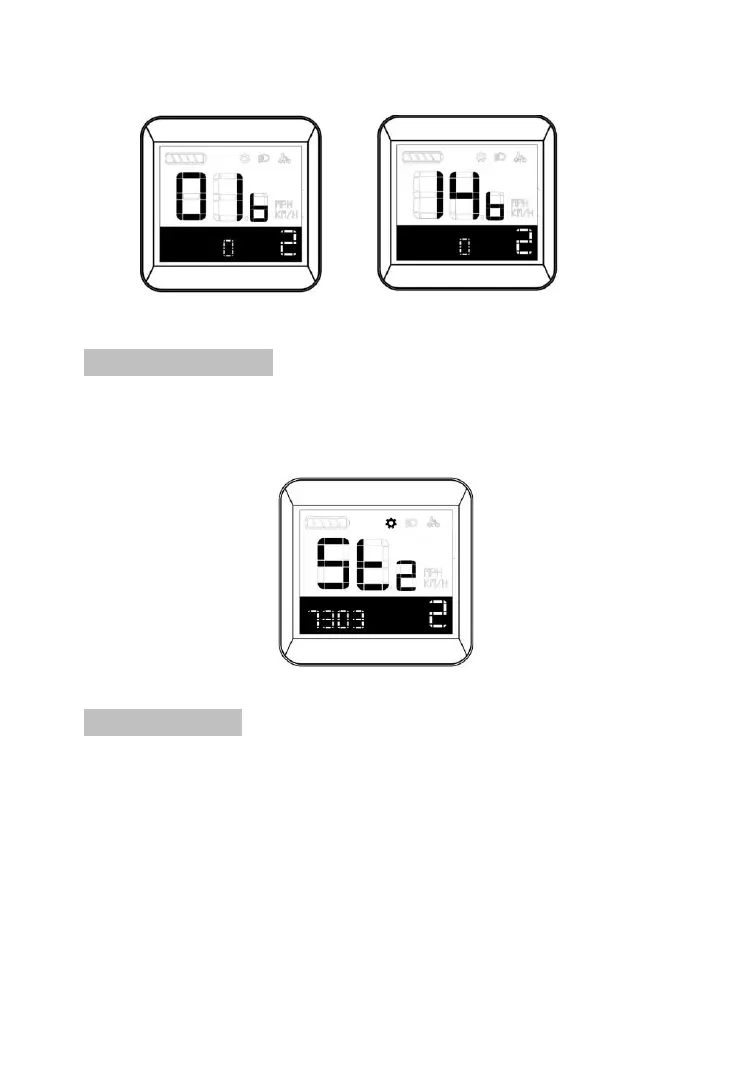
Battery Information Code 1 Battery information Code 14
8.6 Version Number
Short press Plus button at hidden setting interface for shift to
version setting interface.。
Right corner positioned “2” means hidden setting.
Software version interface
8.7 ISO setting
Short press Plus for shift to ISO setting interface after hidden
setting mode is activated.
Right corner positioned “2” means hidden setting
P means threshold of ISO, which is adjustable to
suit sensitiveness of Auto-mode lighting to
environment, The bigger the value is, the lesser
sensitive it is. Meaning more weak light is detected to



 To Next Page