- 20 -
switch on lighting. The threshold is adjusted by short
pressing plur or minus button. Short press ON/OFF again
to save and quit.
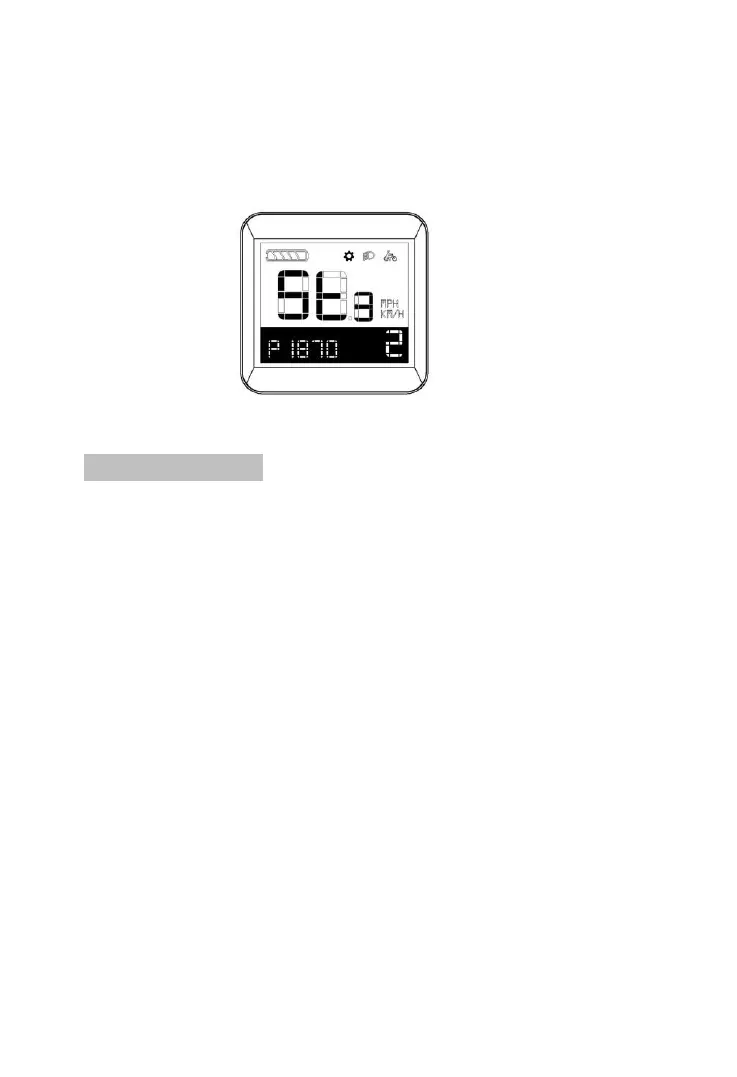
ISO setting interface
8.8 Save & Quit:
1. After setting finished, Press and hold on ON/OFF for more
than 2s for shift to main interface.
2. Dispaly automatically jump to main interface from Setting
interface if no operation detected within 60s.



 To Previous Page