29
AD610 Plus ABS & Airbag Reset Tool Manual_English_V1.02
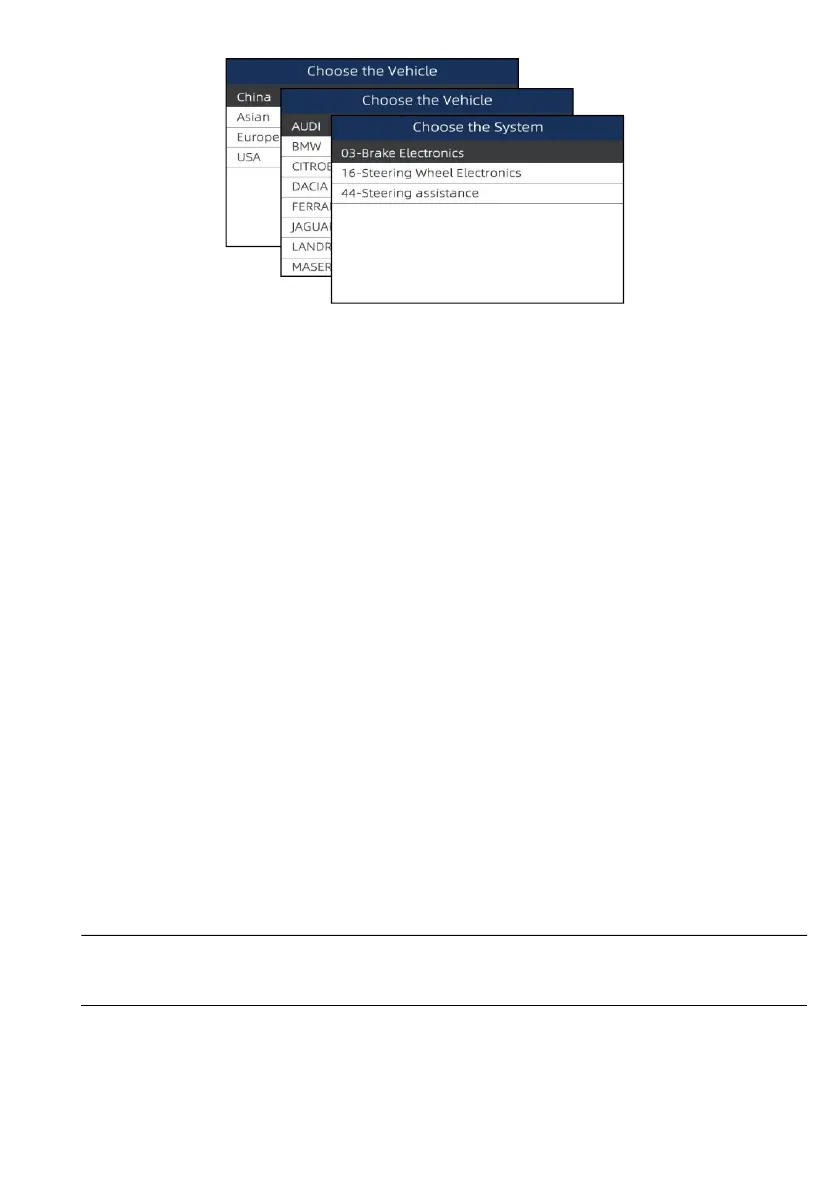
Figure 6-2 Sample SAS Calibration Screen
7
OBDII/EOBD Operations
OBDII/EOBD menu lets you access all OBD service modes. According to ISO 9141-2, ISO 14230-4,
and SAE J1850 standards, the OBD application is divided into several sub programs, called ‘Service
$xx’. Below is a list of OBD diagnostic services:
●
Service $01 - request current powertrain diagnostic data
● Service $02 - request powertrain freeze frame data
● Service $03 - request emission-related diagnostic trouble codes
● Service $04 - clear/reset emission-related diagnostic information
●
Service $05 - request oxygen sensor monitoring test results
●
Service $06 - request on-board monitoring test results for specific monitoredsystems
●
Service $07 - request emission-related diagnostic trouble codes detected during currentor
last completed driving cycle
● Service $08 - request control of on-board system, test or component
● Service $09 - request Vehicle Information
When OBDII/EOBD application is selected from Home screen, the scanner starts to detect the
communication protocol automatically. Once the connection has established, a menu that lists all of
the tests available on the identified vehicle displays. Menu options typically include:
● System Status
●
Read Codes
● Freeze Frame Data
● Clear Codes
●
Live Data
● I/M Readiness
● O2 Sensor Test
● On-board Monitor Test
●
Component Test
●
Vehicle Information
● Modules Present
● Code Look-up
NOTE
Not all function options listed above are applicable to all vehicles. Available options may vary by the
year, model, and make of the test vehicle. A “Not supported the mode!” message displays if the option
is not applicable to the vehicle undertest.


 To Next Page