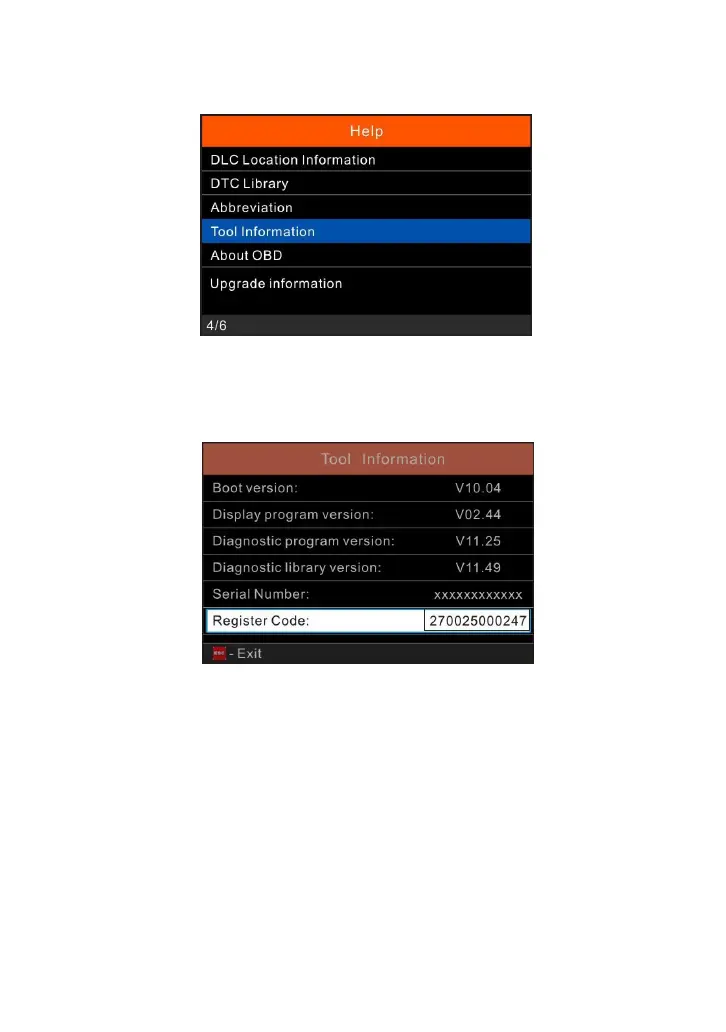
Figure 7-2
4.
Note down the Serial Number (also can be found from the back of the tool)
and Register Code in the following figure, which are necessary for later
registration.
Figure 7-3
5.
Disconnect the tool from the computer.
Note: Do not connect the data cable to the host computer that is running the update tool, which
will cause the program to not respond.
6.
Open the computer browser and visit https://www.anceltech.com. Click
“Download” to download the “FX2000” update tool.
7.
Install the update tool and then run it. The following window will pop up on the
screen.



 To Next Page