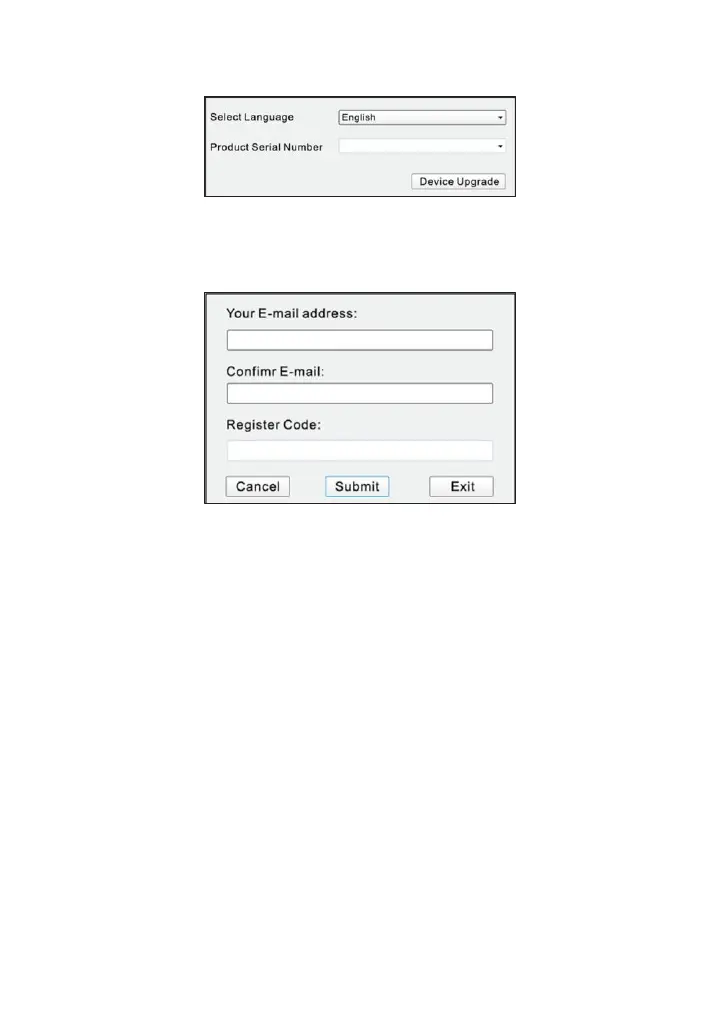
Figure 7-4
8.
Enter the Serial Number and click [Device Upgrade] to enter the following
screen. Input the required information and click [Submit]. (Figure 7-5)
Figure 7-5
9.
Install the memory card from the tool into the supplied card reader and insert
into USB port of the computer.
10.
Reopen the update tool. Select the desired updates manually or click [Select
All], and then click [Download] to start downloading. (Figure 7-6)



 To Next Page