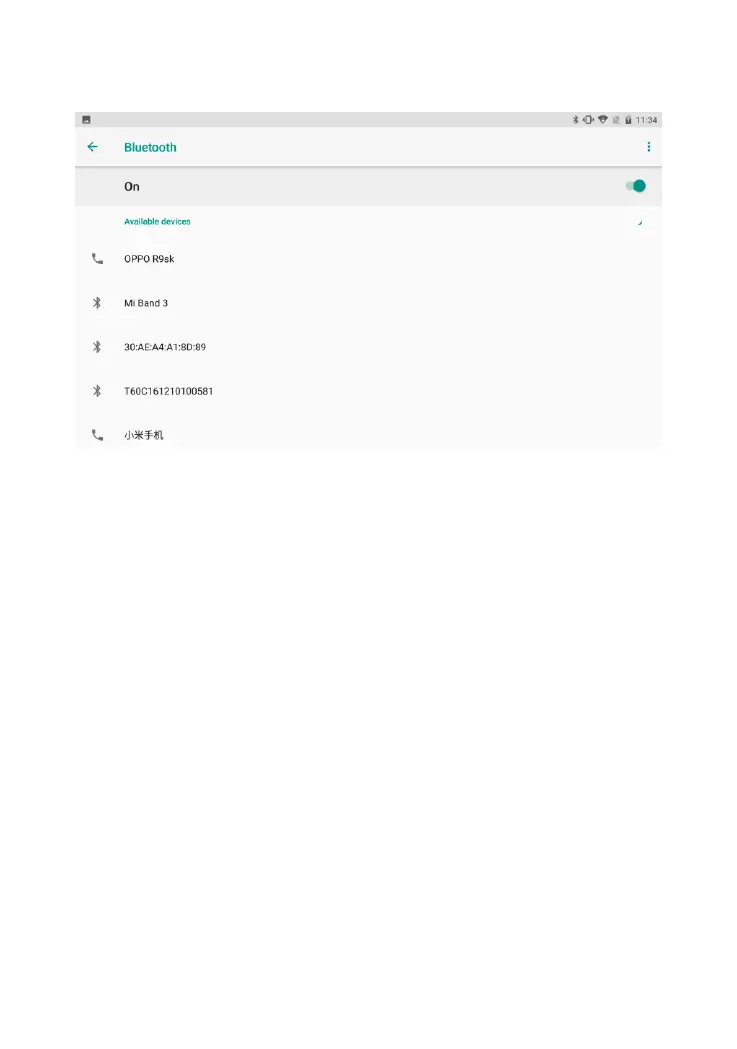
(2) Wait a moment, you can search for the ID of the VCI box
connected to the vehicle. Click to pair.
(3) After the pairing is successful, the Bluetooth indicator of the VCI
device is steadily displaying blue.The VCI icon at the top of the
screen is switched on green.
4.3 Vehicle diagnosis
After the above steps are completed, click the 【Diagnosis】 button
on the main Screen of the software to select the model data/system
data corresponding to the connected vehicle. Click to
communicate.The specific functions will vary according to different



 To Next Page