Continuum Power Supply Reference
17
On older versions of the supply, two jumper components must be removed from the
printed circuit board. In order to access these components you must remove the
plastic cover from the case.
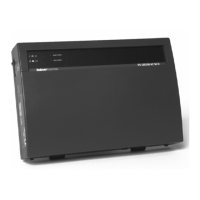
1 Press both cover removal tabs inward simultaneously:
2 Locate the two jumper components using the diagram below:
3 Carefully snip (cut) the wire leads of each of the two components. Be sure to
snip only the leads for these components. Other components in close
proximity to these are important to the operation of the supply.
4 Replace the cover.
Press These Tabs
Pull Cover Upward
with Tabs Depressed
J2
J3
J2
J3
Remove
Components:
J2 & J3


 To Next Page
