Continuum Power Supply Reference
19
MAIN POWER
ON
OFF
MAIN POWER
UPS POWER
ON
OFF
Operation
Power On
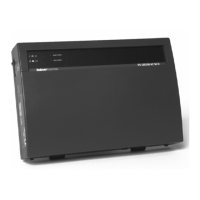
After installation, to apply power to the system, the power switch located on the left
side of the power module case must be depressed.
The switch is a rocker type with each side marked according to function. Pressing the
side marked with the
I
turns the power on.
To remove power, press the side marked
O
.
Status Indicators
The power supply includes a green Main Power indicator which when illuminated
indicates that primary power (AC or DC) is applied and the power switch is turned on.
The UPS model also includes another indicator reporting the presence of backup
battery power. When the power supply is in UPS backup mode this indicator
illuminates in a yellow color.


 To Next Page
