APPENDICES
77
WARNING
The following procedure is for service and installation personnel o nly. Resettin g lockout
conditions without co rrecting the malfunction can result in a hazardous condition .
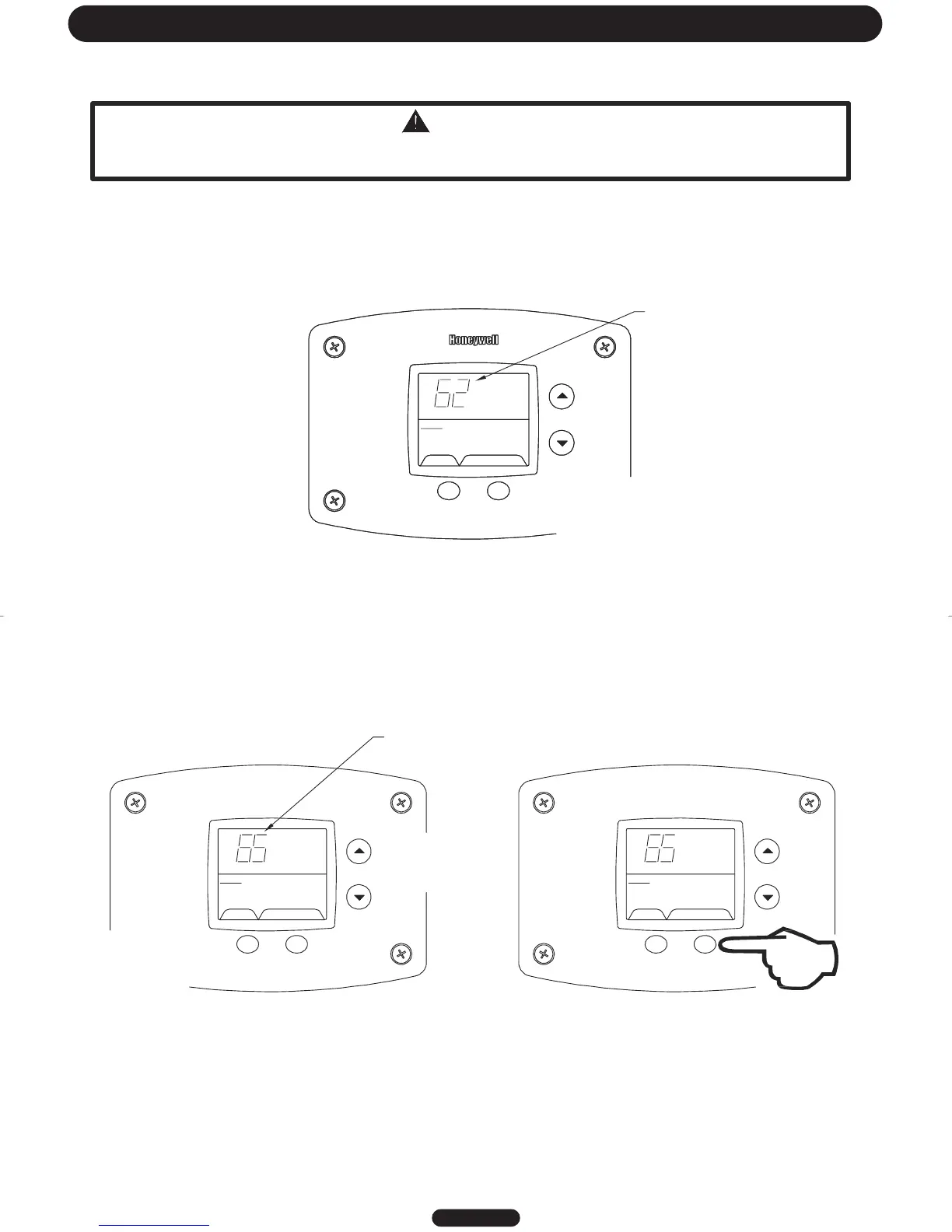
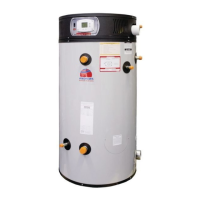
If an error code is displayed (except for #4, low flame sense current), the water heater will be in a “lockout condition”
with the water heater display showing the error code number and “Service Needed” in the status section of the
display window. Error codes 62 (maximum number of retries detected) and 63 (maximum number if ignition
recycles detected) are “Soft Lockouts” in which the control can be reset in the “User Mode” by pressing the lower
right button under “Lockout Reset” shown in the lower right portion of the display. The control will also go through 3
attempts to relight the burners every hour in the soft lockout condition.
All other error codes will put the water heater into a “Hard Lockout” condition, in which the water heater will not
operate and cannot be reset in the “User Mode”. To reset a hard lockout, first enter the “Service Mode” described
earlier by pressing both the “Temperature Up” and “Select Buttons” at the same time for 3 seconds. Then press the
lower right button under “Lockout Reset” in the water heater display and hold for 3 seconds.
Lockout RESET
SELECT
Status
Service needed
%
Error Code Shown in
Water Heater Display
Press for 2 seconds
Page 23
&
SELECT SET
Status
Service Needed
%
SELECT Lockout RESET
Status
Service Needed
Error Code Shown in
Water Heater Display
Step 1: Press for 3 seconds
to enter service mode.
Step 2: Press for 3 seconds to
reset control in service mode.
Resetting Error Codes in Hard Lockou t Condition




 To Next Page