EN 06
LED Light Guide
Steady blue Camera on
Steady red Microphone muted
Flashing red
Incorrect operation:
Power adapter plugged into data port and USB-C
cable plugged into power port
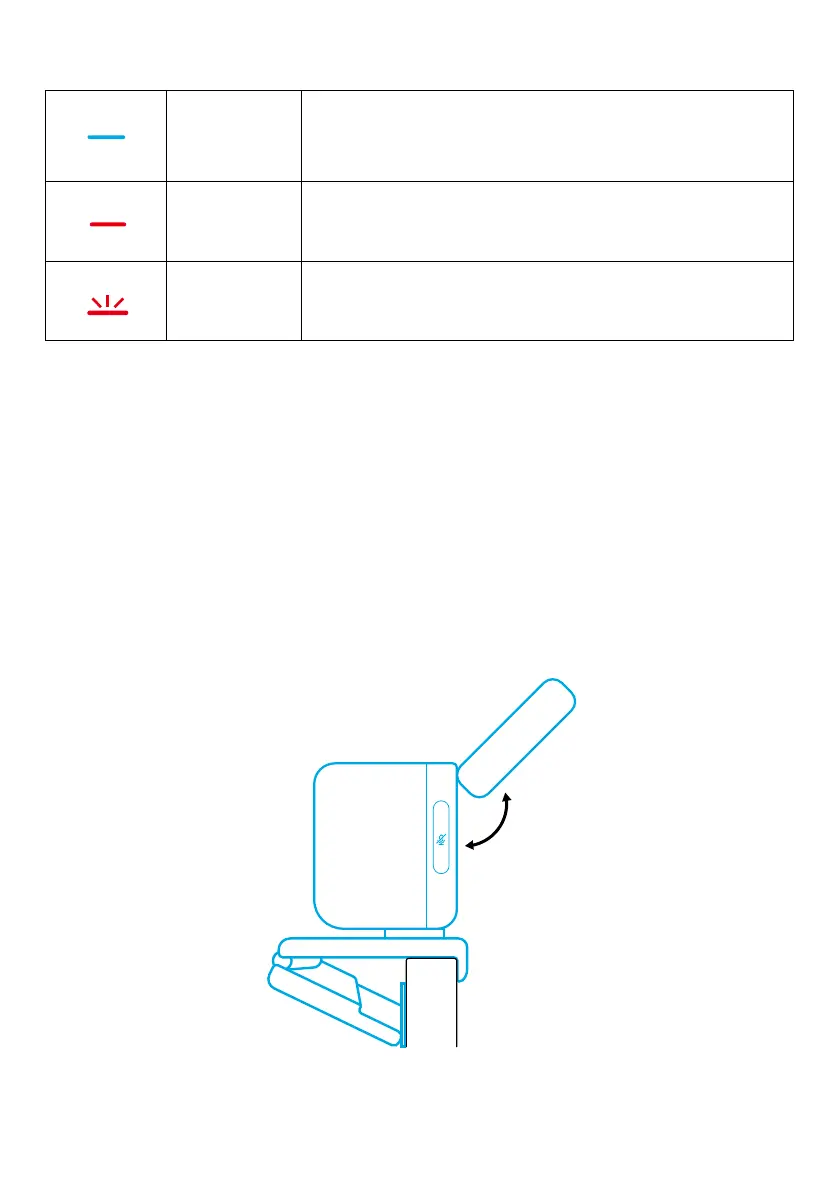
Edge Light
• By default, the edge light is turned off and it will automatically turn on if
positioned at an angle of 135° or larger. Do not direct the edge light at the
camera for a long time to avoid camera damage.
• The automatic light adjustment can be enabled via AnkerWork software. This
feature allows the edge light to recognize human face's brightness level and
automatically adjust its brightness.
• You can manually adjust brightness and color temperature via AnkerWork
software.
135°


 To Next Page