07 EN
Using AnkerWork Software
Download the AnkerWork Software from
software.ankerwork.com
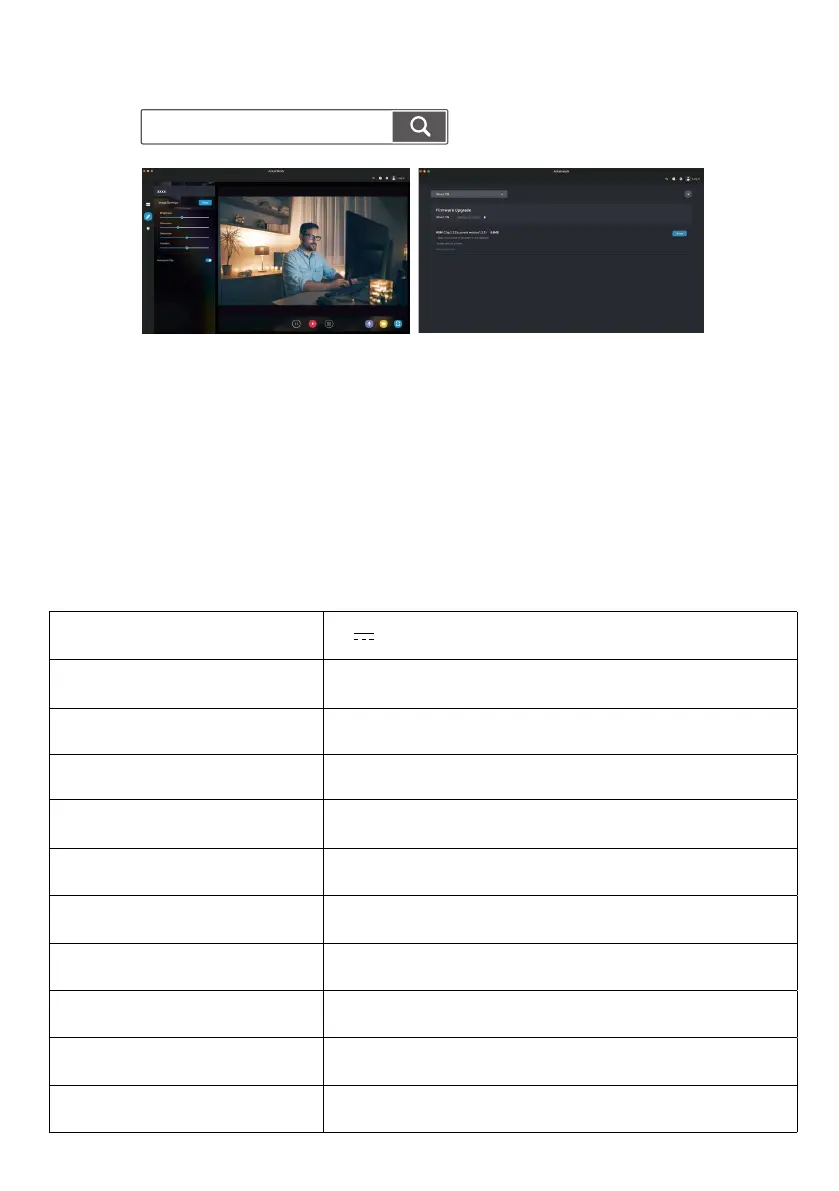
Download the AnkerWork software to check product information, change light,
image, audio and video settings, adjust brightness and color temperature, update
rmware, and more.
Firmware upgrade: You will be informed when you connect the video bar with the
software if a new version of rmware is available. Ensure the video bar remains
connected to your computer until the rmware upgrade is completed. During the
upgrade, avoid any operation and ensure access to internet.
Specifications
Specications are subject to change without notice.
Input 5V 2 A
Resolution
2K@30fps; 1080P@30fps; 720P@30fps;
320x240@30fps
Field of View (FOV) 65° - 95°
Focus Type Automatic focus
Sensor 5 MP CMOS (1 / 2.7 in.)
Focus Distance 15 cm to 3 m
Maximum Video Frame Rate Up to 30fps in 2 K
Video Codec H
.
264, MJPEG, YUV
Microphone 4-mic array
Speaker 2 x 2W
Voice Pickup Distance 3 m


 To Next Page