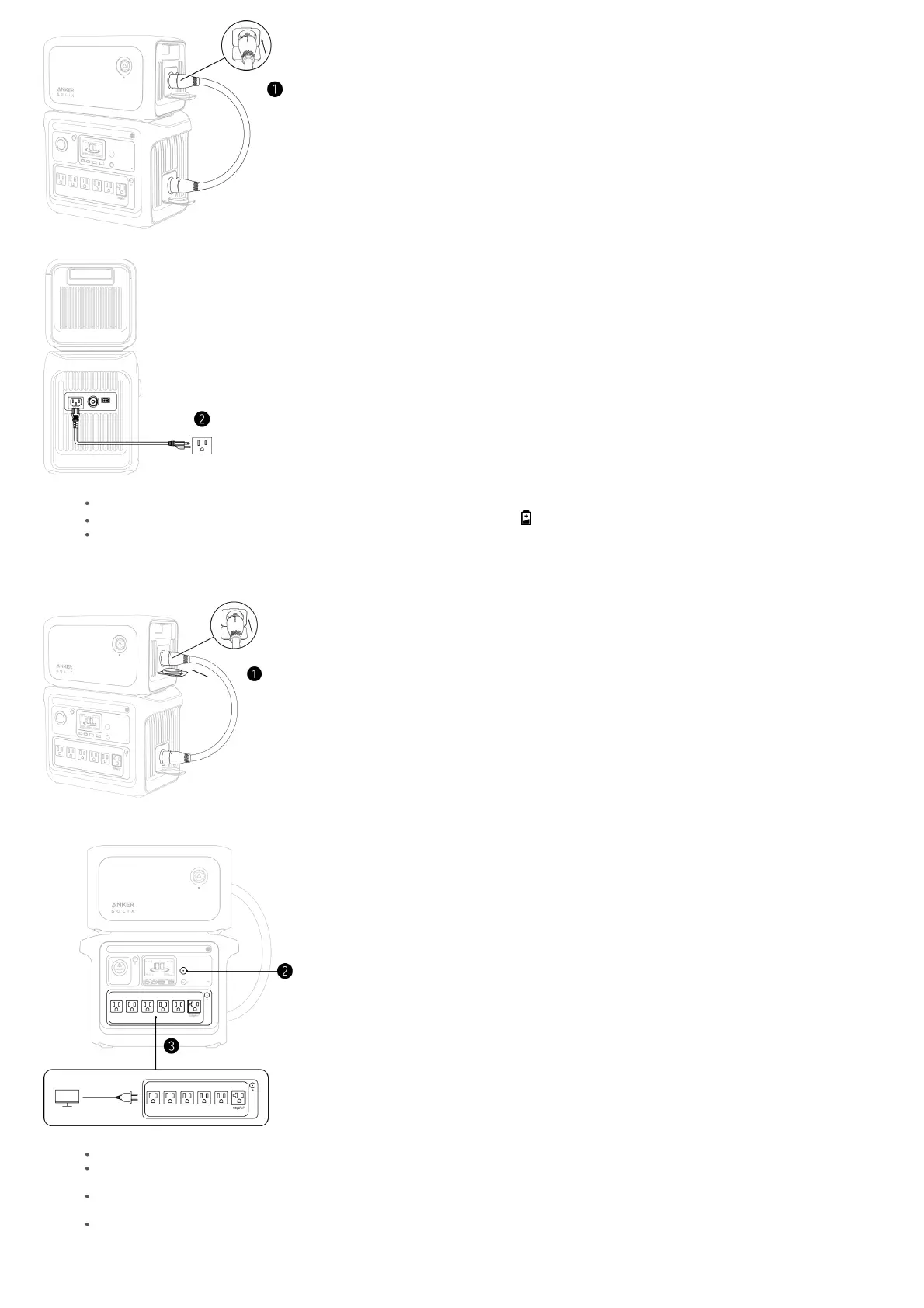
2. Recharge the power station via AC input or DC input.
The plug varies by region.
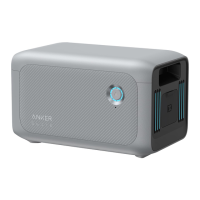
When the expansion battery is connected successfully, you will hear a beep and will appear on the power station's screen.
The expansion battery will be charged after the power station is fully charged.
Powering Your Devices
1. Connect the expansion battery to the power station using the included battery connection cable.
2. Press the main power button on the power station for three seconds to turn it on.
3. Connect your devices to the power station using the AC ports, USB ports, or car socket. If needed, turn on the AC outlet button or car socket button.
The plugs vary by region.
The expansion battery icon will appear on the power station's screen when it is successfully connected. If not, you will have to reconnect both devices
as there may be a poor connection.
The expansion battery will charge your devices first until its battery runs out. The power station will then continue charging your devices
automatically.
If you need to cut off or restart the connection between the expansion battery and power station when they are in use, press the expansion battery's
power button for 2 seconds to avoid a short circuit.
Storage and Maintenance


 To Next Page