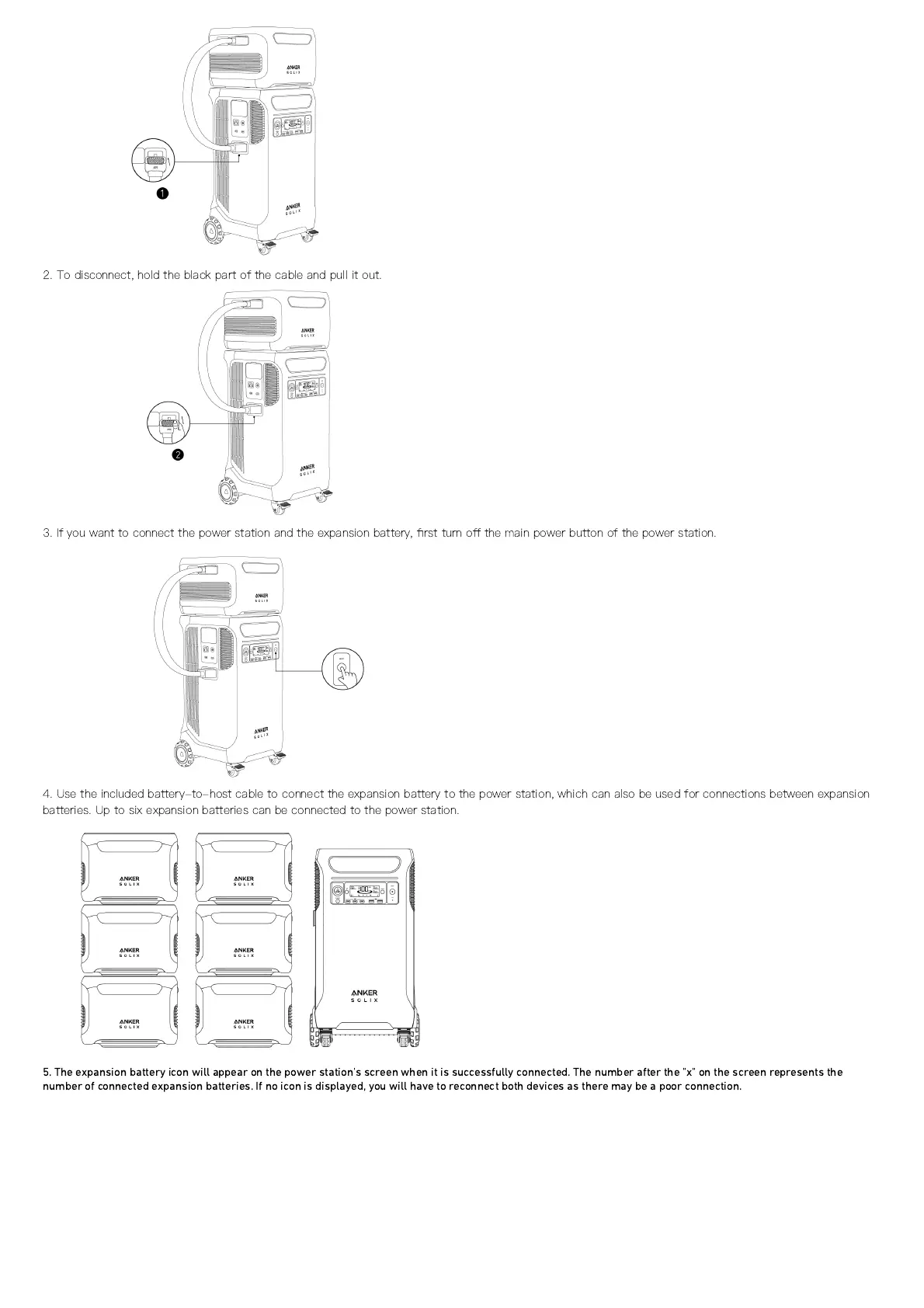
2. To disconnect, hold the black part of the cable and pull it out.
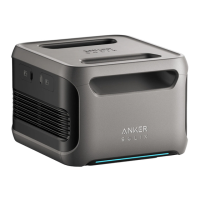
3. If you want to connect the power station and the expansion battery,
fi
rst turn o
ff
the main power button of the power station.
4. Use the included battery-to-host cable to connect the expansion battery to the power station, which can also be used for connections between expansion
batteries. Up to six expansion batteries can be connected to the power station.
5. The expansion battery icon will appear on the power station's screen when it is successfully connected. The number after the "x" on the screen represents the
number of connected expansion batteries. If no icon is displayed, you will have to reconnect both devices as there may be a poor connection.


 To Next Page