EN
020019
EN
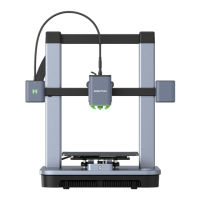
INSTALLING ANKERMAKE SLICER
For the best printing experience, download and install AnkerMake
Slicer to your computer from ankermake.com/software.
The AI recognition capabilities will be not available when the
printer works with other 3D slicer software, such as Cura and
Simplify3D.
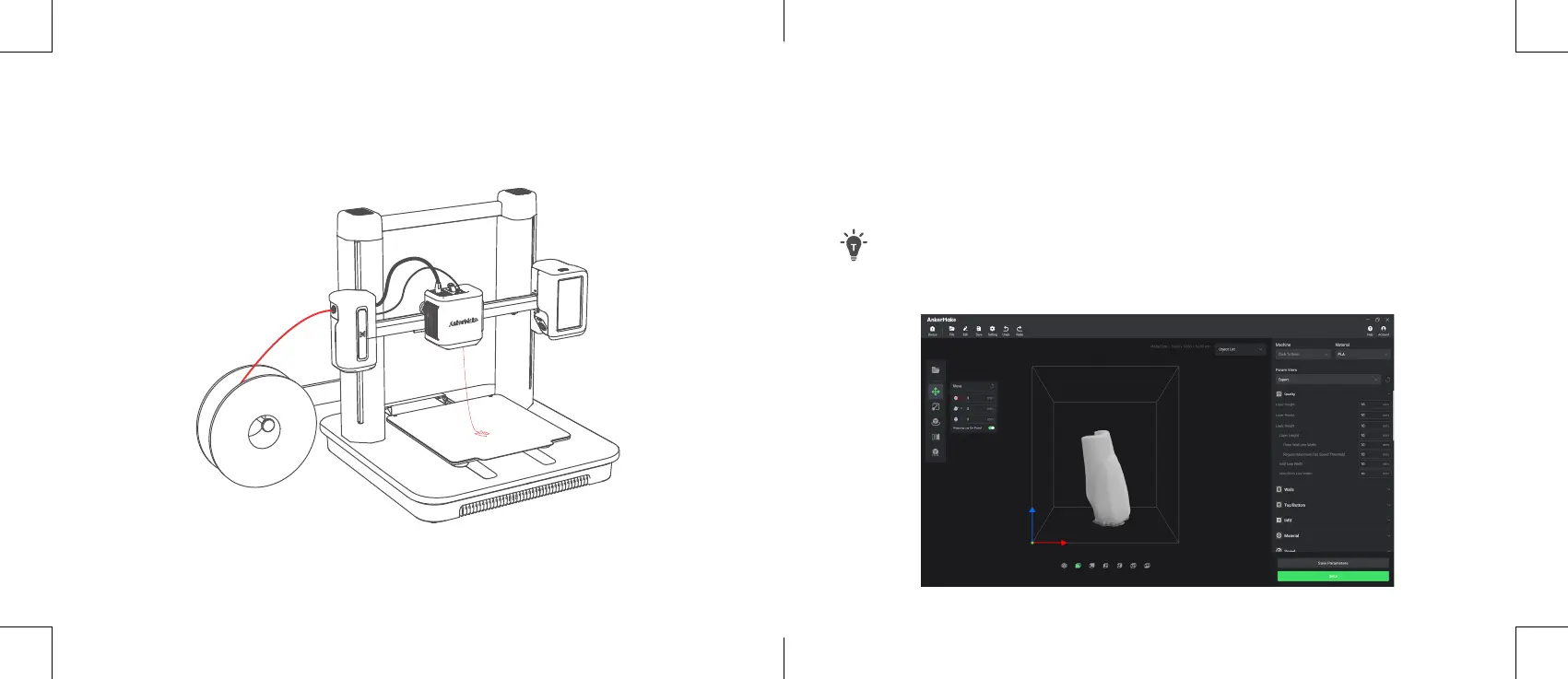
4. On the touch screen, tap
Load
on
Control
>
Extrude
.
Wait until lament ows out of the nozzle, then tap
Stop
.


 To Next Page