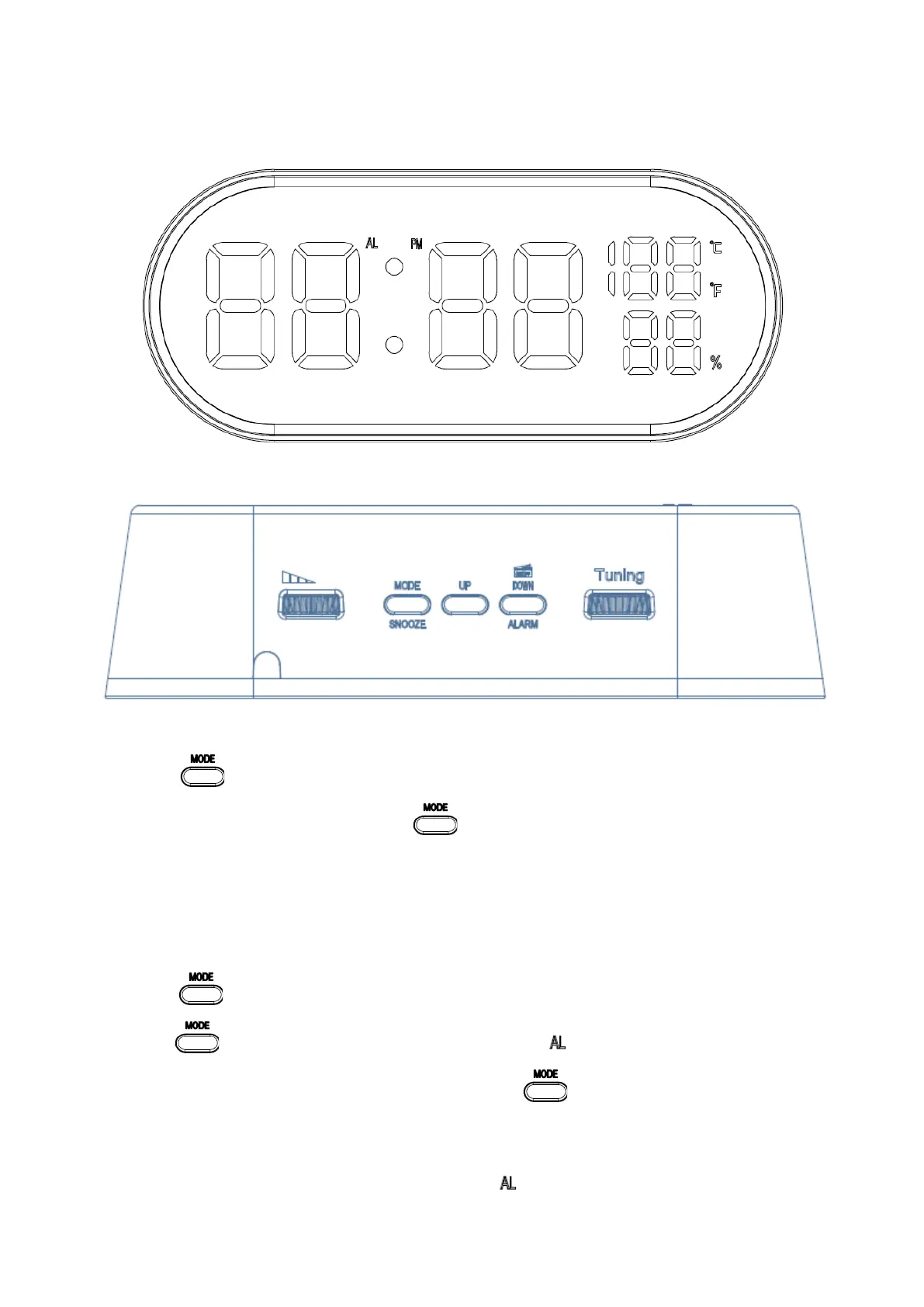
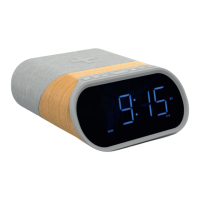
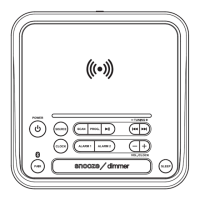
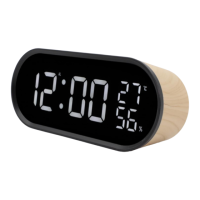
Product Overview:
TIME SETTING:
1. Long press for 2 seconds to enter into time setting mode. The setting article will flash, press UP Button or
DOWN Button to set, Once confirmed, press . The setting sequence: 12/24H -> Hour -> Minute -> °C/°F
selectable -> Quit
2. The setting will be confirmed and exited without any operation in 10 seconds.
ALARM SETTING:
1. Short press to enter into alarm mode.
2. Long press for 2 seconds to enter into alarm setting mode. icon and setting article will flash, press UP
Button or DOWN Button to set the time. Once confirmed, press . The setting sequence: Alarm hour -> Alarm
minute -> Snooze interval time (5-60min) -> Alarm ring choose (bU=buzzer alarm; rd=radio alarm) -> Quit.
3. The setting will be confirmed and exited without any operation in 10 seconds.
NOTE: To deactivate the alarm, short press DOWN button, icon will disappears from display.


 To Next Page