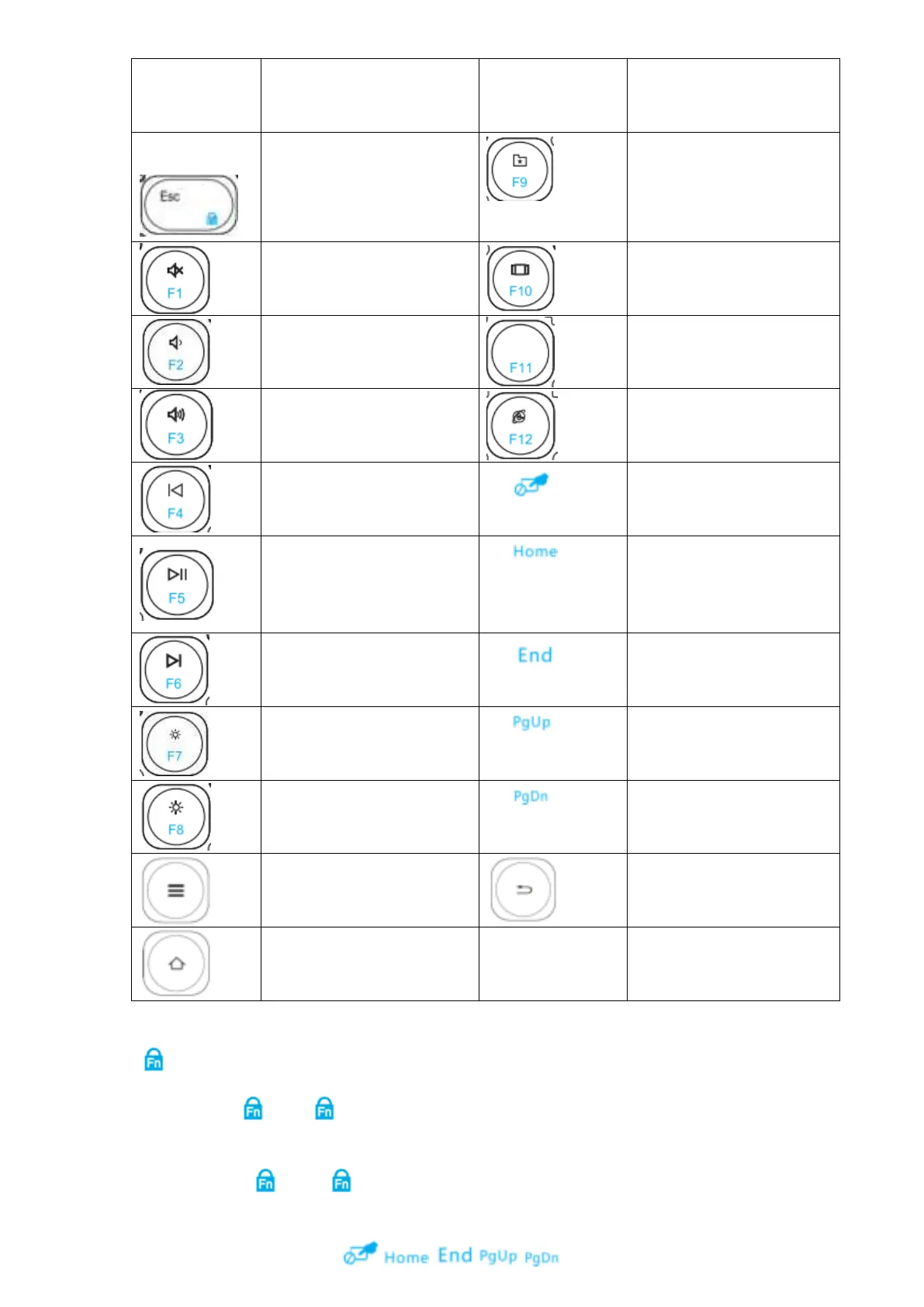
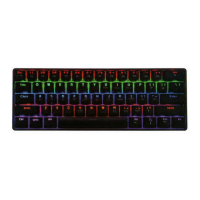
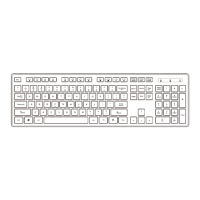
Key function
Function in Windows
system
Function in Windows
system
Line head
(in Word document)
Line end (in Word
document)
Return function for Website
Note:
Fn Lock Key.
1. Press “Fn”+” ”, the indication light is on, the function of “Fn” key is locked, separately
press F1~F12 to achieve the original function;
2. Press “Fn”+”
”, the indication light is off, separately press F1~F12 to achieve
above shortcut key function.
3. Fn lock is not workable to
, , , , 5 functions.


 To Next Page