Before first use
1. Unpack the device and check if all parts are there and undamaged.
Should this not be the case, return the product to store for replacement.
2. Danger of suffocation! Keep all packaging materials away from children.
3. Dispose of the packaging materials properly. Inform yourself at the local authorities regarding
collection points or garbage separation.
4. Remove all protective foils and packaging material prior to use.
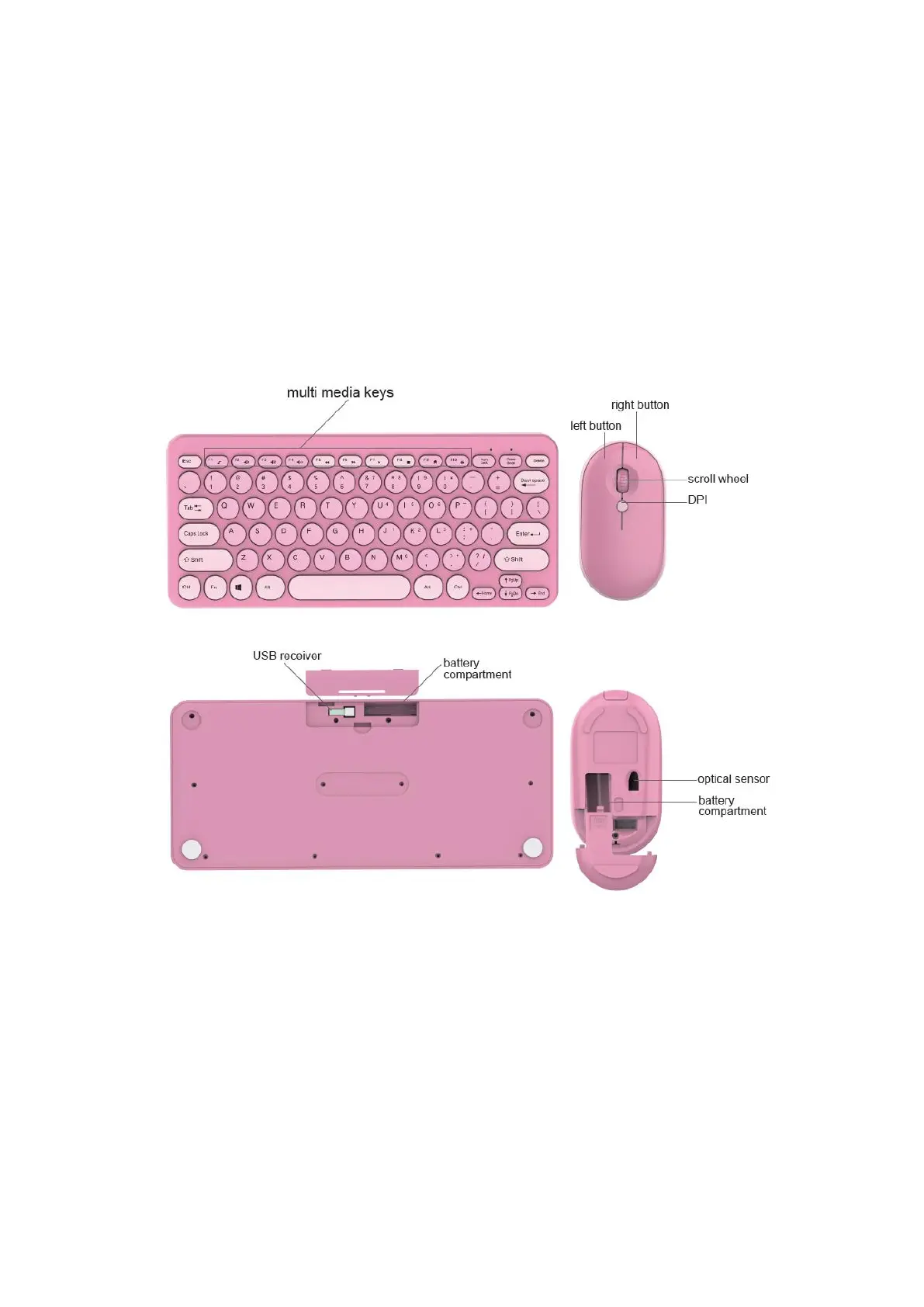
Product Overview
Install the Battery
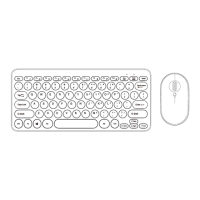
1. Remove the battery compartment covers of the mouse and keyboard, and insert 1xAA battery
to mouse and 2 x AAA batteries to keyboard (not included in the package).please notice the
Battery place of anode and cathode of the mouse and keyboard. Caution!Danger of explosion
if the batteries are incorrectly replaced.
2. Replace the battery compartment covers again, making sure it is closed firmly.
Notes on batteries
Only use top-quality batteries. Cheap batteries could leak and damage the device as a result.
If the batteries leak, remove them with a cloth and dispose of them accordingly. Ensure that leaking
battery acid does not come into contact with skin and eyes. If you do get battery acid in your eyes,
flush them thoroughly with lots of water and consult a physician immediately! If battery acid comes


 To Next Page