pg. 52 Rev 9/20/18
13.3 Repeat steps 13.1 – 13.2 for all IDF stations.
13.4 Re-install Clamp Bar A by setting it on the locator rods. Make sure the letter is on the top of the bar and the
rubber material is facing in toward the instrument.
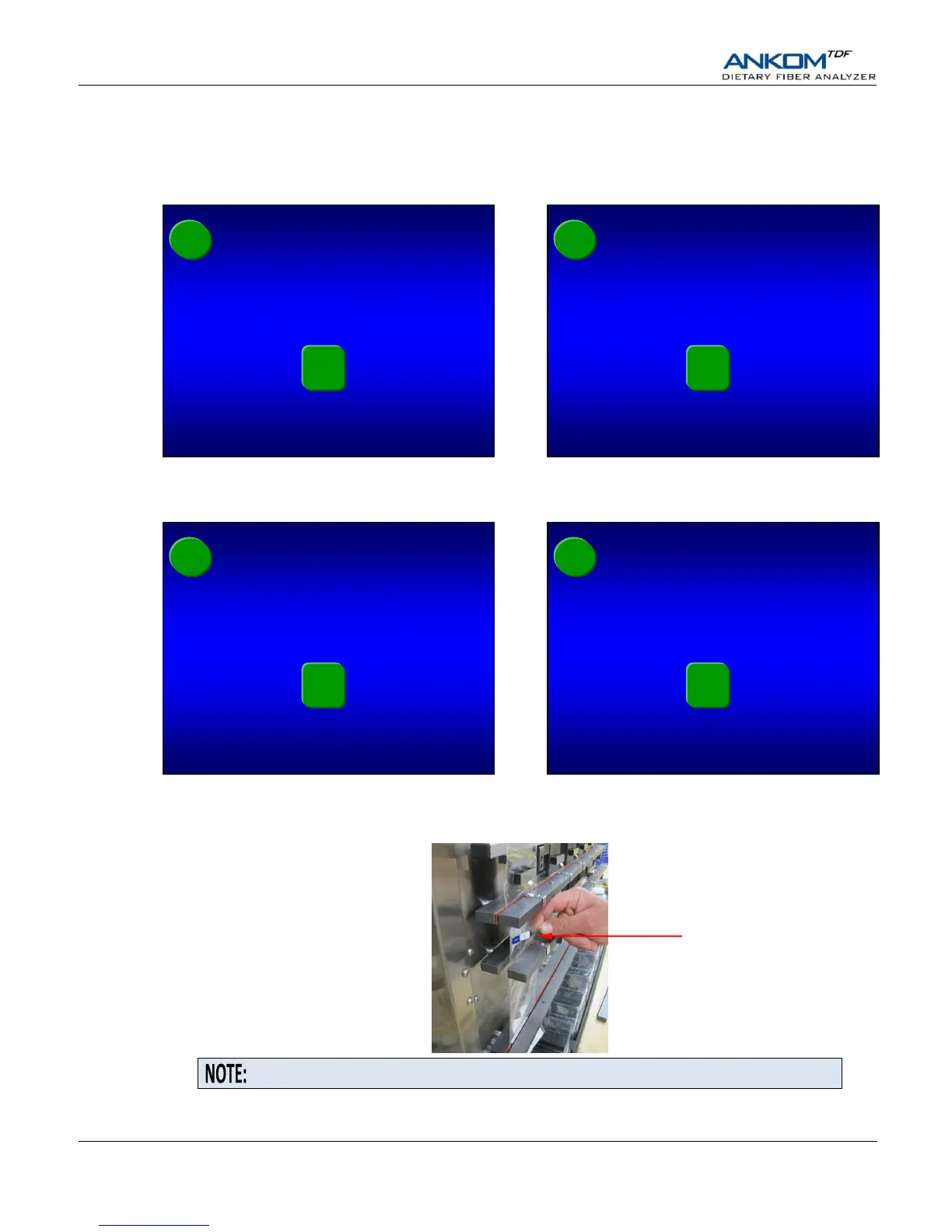
13.5 Press the check mark () button on the Touch Screen Display. One of the following screens will be displayed.
13.6 Make sure that all clamp bars are installed with the letter on the top of the bar and the rubber material facing in
toward the instrument. Press the check mark () button on the Touch Screen Display. One of the following
screens will be displayed.
14. Hook the front of each SDF bag in place.
14.1 Secure the SDF filter bags in place with the hooks located on the front part of Clamp Bar C.
14.2 Press the check mark () button on the Touch Screen Display. If you ran a method other than 985.29 or 2001.03
prior to this run, one of the following screens will be displayed.


 To Next Page